Claude AI Tutorial Getting Started with Anthropic

Introduction
Claude AI is an advanced artificial intelligence model developed by Anthropic that can understand and generate natural language text. Think of it as a super‑smart assistant: you ask questions, write prompts, and Claude responds — in English, Urdu, or even mixed language.
For Pakistani students, learning Claude is valuable because it:
- Helps with writing assignments, essays, and research
- Assists in programming and debugging code
- Improves productivity in business planning or creative projects
- Enables interactive learning with AI feedback
In this claude tutorial, you will learn how to use Claude from scratch — no prior AI experience needed.
Prerequisites
Before using Claude AI, make sure you have:
- Basic computer skills — using websites, typing text
- Understanding of programming fundamentals (if following coding examples)
– Variables, loops, functions - An Anthropic Claude account (free or paid)
- A code editor if you plan to work with the API (VS Code recommended)
- An internet connection
If you’re new to programming, check out tutorials like Beginner Python Guide for Students to prepare.
Core Concepts & Explanation
To use Claude AI effectively, you must understand how it thinks. The two key ideas are:
What Is a Prompt?
A prompt is what you type as input — the question or instruction you give Claude.
Example:
“Write an essay about the culture of Lahore in simple Urdu.”
In the world of Anthropic Claude, the quality of your prompt determines the quality of the output.
Why prompts matter
- Clear prompts produce precise responses
- Vague prompts cause unclear answers
- Well‑structured prompts can include examples and rules
Prompt Example
Write a 200‑word paragraph about the history of Islamabad focusing on landmarks.
Explanation:
Writetells Claude what action to take200‑word paragraphsets output limitsHistory of Islamabadis the topicFocusing on landmarksgives direction
Try giving Claude constraints — it improves results!
Tokens, Responses, and Context
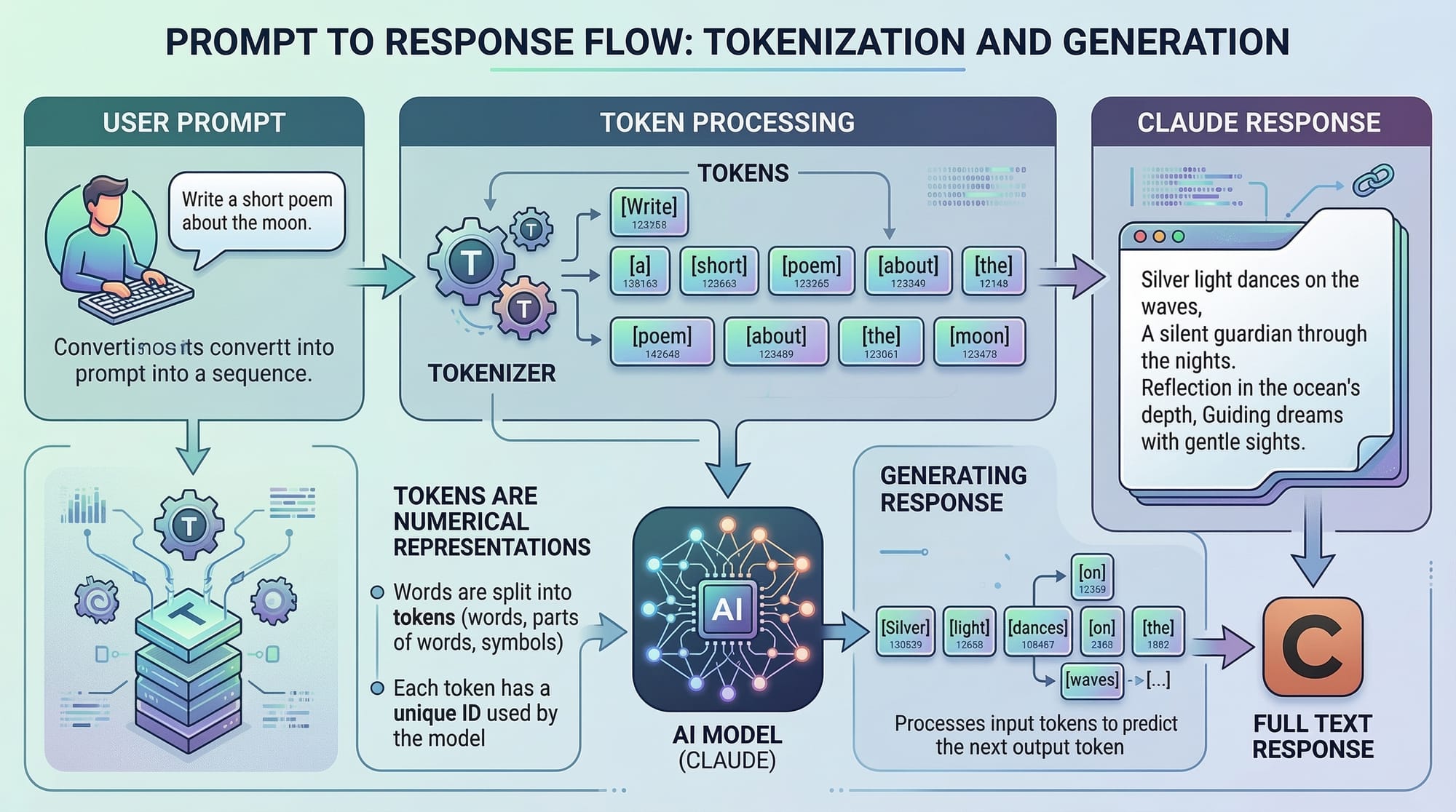
Claude AI operates using tokens — chunks of words or characters.
Think of tokens like pieces of a sentence:
- “Hello” → 1 token
- “The weather in Lahore is hot” → several tokens
Tokens matter because Claude has limits on how much text it can process at once.
Example:
If your prompt is too long, Claude can’t read it all and may truncate information.
In simple terms:
- Prompt + expected output ≤ maximum token limit
- Plan your prompts accordingly
Practical Code Examples
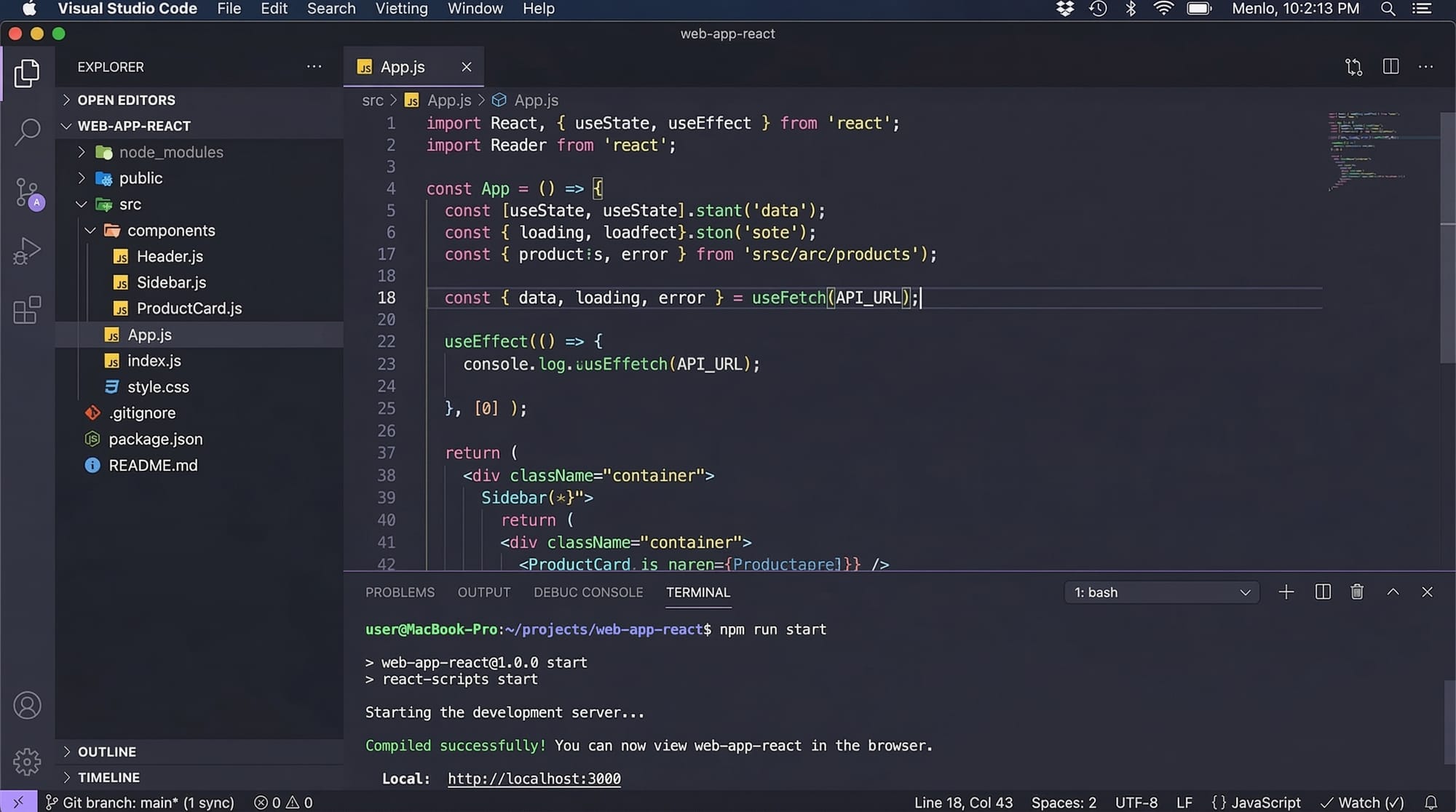
In this section, we’ll show you how to use Claude AI programmatically with examples. These are beginner‑friendly and use clear explanations.
Note: Replace YOUR_API_KEY with your actual Anthropic Claude API key.Example 1: Basic Prompt to Claude
Here’s the most fundamental way to call Claude using a simple code example.
import anthropy

# 1. Initialize the Claude client with your API key
client = anthropy.Client(api_key="YOUR_API_KEY")

# 2. Define the prompt you want to send
prompt_text = """Explain the importance of AI in education for Pakistani students."""

# 3. Send the prompt and receive the response
response = client.generate(
    model="claude‑2.1",
    prompt=prompt_text
)

# 4. Print the response
print(response.text)
Explanation Line‑by‑Line:
import anthropy
– Imports the Anthropic Claude library.client = anthropy.Client(api_key="YOUR_API_KEY")
– Creates a client object to communicate with Claude.prompt_text = ...
– Defines the text we want Claude to act on.client.generate(...)
– Sends the prompt to Claude and returns a response.print(response.text)
– Displays the AI’s answer on screen.
Example 2: Real‑World Application — Solving Math Homework
Here’s a useful real‑world use case: asking Claude to solve a math problem and explain it step‑by‑step.
import anthropy

client = anthropy.Client(api_key="YOUR_API_KEY")

prompt = """
You are a friendly teacher. Solve this:
What is 15 x 27?
Explain each step clearly.
"""

# Generate
response = client.generate(
    model="claude‑2.1",
    prompt=prompt
)

print("Claude Answer:")
print(response.text)
Explanation Line‑by‑Line:
import anthropy
– Loads the required Claude library.client = anthropy.Client...
– Sets up Claude access.prompt = ...
– Here we instruct Claude to act like a friendly teacher.response = ...
– Claude processes the math question.print("Claude Answer:")
– Prints labeled output.
Output Example (Likely):
Claude Answer:
15 x 27 = 405
Step 1: Understand multiplication.
Step 2: Multiply 15 by 20 then by 7...
...
Common Mistakes & How to Avoid Them
Even beginners make errors with Claude. Here are common problems and how to fix them.
Mistake 1: Vague Prompts
Problem:
You ask something like:
“Tell me about cities.”
This is too broad! Claude will respond with lots of unrelated data.
Fix:
Be specific:
“Tell me about three historical cities in Sindh, Pakistan, in under 150 words.”
Mistake 2: Too Long Prompts
Problem:
Students paste entire textbook chapters as a prompt.
Claude has token limits, and very long prompts may be truncated or ignored.
Fix:
Break the prompt into chunks:
- Focus on a sub‑topic at a time
- Ask Claude to summarize each part
Example:
Summarize this paragraph in 3 bullet points:
[INSERT TEXT HERE]
By structuring your inputs, Claude responds more accurately.
Practice Exercises
To reinforce learning, try these hands‑on exercises.
Exercise 1: Write a Short Poem with Claude
Problem:
Ask Claude to produce a simple Urdu poem about Eid in Karachi.
Task Prompt:
Create a 6‑line Urdu poem about Eid celebrations in Karachi.
Solution:
import anthropy

client = anthropy.Client(api_key="YOUR_API_KEY")

prompt = "Create a 6‑line Urdu poem about Eid celebrations in Karachi."

response = client.generate(
    model="claude‑2.1",
    prompt=prompt
)

print(response.text)
Explanation:
This exercise teaches you how to form creative prompts.
Exercise 2: Generate a Study Plan
Problem:
Create a one‑week AI study plan for a Pakistani student preparing for exams.
Task Prompt:
Create a detailed one‑week study plan for learning AI basics,
targeted at a student in Islamabad preparing for exams.
Solution:
import anthropy

client = anthropy.Client(api_key="YOUR_API_KEY")

prompt = """
Create a detailed one‑week study plan for learning AI basics,
targeted at a student in Islamabad preparing for exams.
"""

response = client.generate(
    model="claude‑2.1",
    prompt=prompt
)

print(response.text)
Explanation:
Claude can help with planning and time management — practical for real student life!
Frequently Asked Questions
What is Claude AI?
Claude AI is an artificial intelligence language model developed by Anthropic that can answer questions, generate text, and assist in writing and learning.
How do I create an Anthropic Claude account?
Visit the official Anthropic website and sign up using your email. Once verified, you can access Claude free (with limits) or subscribe for more usage.
Can Claude understand Urdu?
Yes! Claude supports multilingual prompts and can generate responses in Urdu, Roman Urdu, and mixed language.
Is Claude free to use?
There is a free tier available, but heavy usage or advanced features might require a paid plan based on Anthropic’s pricing.
How do I improve Claude’s responses?
You improve results by:
- Being specific
- Giving examples in prompts
- Limiting output when needed
Clear instructions = accurate answers.
Summary & Key Takeaways
- Claude AI is a beginner-friendly language model developed by Anthropic.
- Prompts are the most crucial part of asking AI anything.
- Claude supports multilingual inputs and real‑world tasks — from essays to code.
- Practice good prompt structure and clear instructions.
- Claude has token limits — avoid overly long prompts.
- Real‑world applications include education, homework help, productivity, and creative writing.
Next Steps & Related Tutorials
After mastering this guide, continue your journey with the following tutorials on theiqra.edu.pk:
- How to Build Your First Python Project (internal link)
- Introduction to Machine Learning with Python (internal link)
- Natural Language Processing (NLP) Basics (internal link)
- AI Ethics and Responsible Use in Pakistan (internal link)
If you want a downloadable PDF version or videos for the exercises, just let me know! 😊
Test Your Python Knowledge!
Finished reading? Take a quick quiz to see how much you've learned from this tutorial.