How to Build a Developer Portfolio Website 2026
Introduction
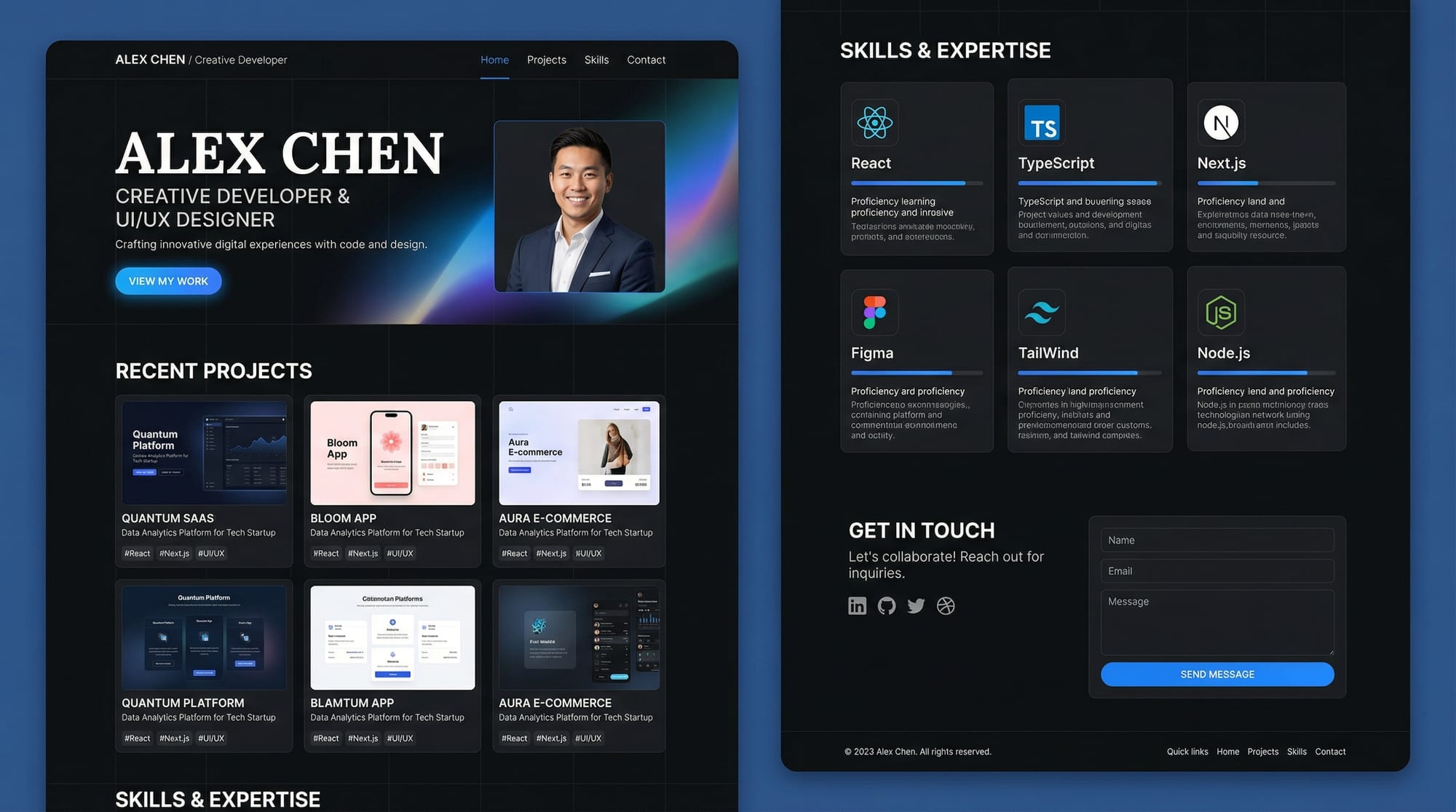
A developer portfolio website is your personal digital showcase. It highlights your skills, projects, and professional achievements. In 2026, having a portfolio is more important than ever because employers and clients often evaluate your abilities based on your online presence.
For Pakistani students, building a portfolio website can make you stand out in the competitive tech job market in Lahore, Karachi, Islamabad, or even internationally. Your portfolio demonstrates not only coding skills but also design sense, creativity, and professionalism.
This tutorial will guide you through creating a modern, responsive portfolio website using practical, beginner-friendly tools, with examples relevant for Pakistani students like Ahmad, Fatima, and Ali.
Prerequisites
Before starting, ensure you have basic knowledge of:
- HTML & CSS: For structure and styling.
- JavaScript: For interactivity.
- Git & GitHub: To host your code and projects.
- React.js or Next.js basics: Optional but helpful for modern portfolios.
- Terminal/Command Line: Basic commands for navigation and deployment.
- Tailwind CSS: Optional, but useful for styling quickly.
Core Concepts & Explanation
Planning Your Portfolio Structure
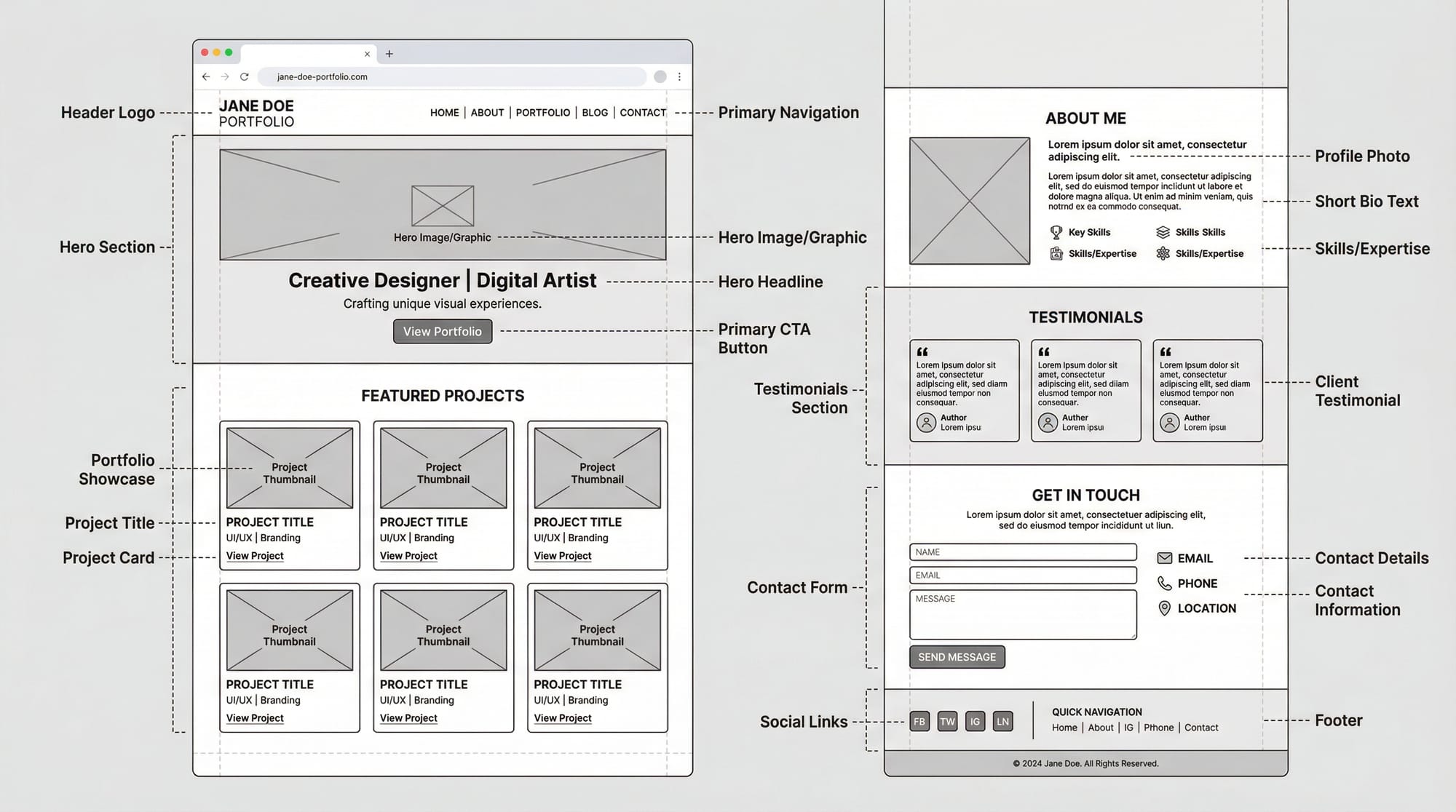
Before writing code, plan your portfolio sections. Typical sections include:
- Hero Section: Your name, profession, and tagline.
- Projects Grid: Showcase 4-6 projects with descriptions.
- Skills Section: Highlight technical skills and tools.
- About Section: Short bio with a personal story.
- Contact Section: Contact form, email, social links.
Example:
Home / Hero
Projects / Grid
Skills / Cards
About / Story
Contact / Form
Choosing the Right Tech Stack
For a beginner-friendly, modern portfolio, consider:
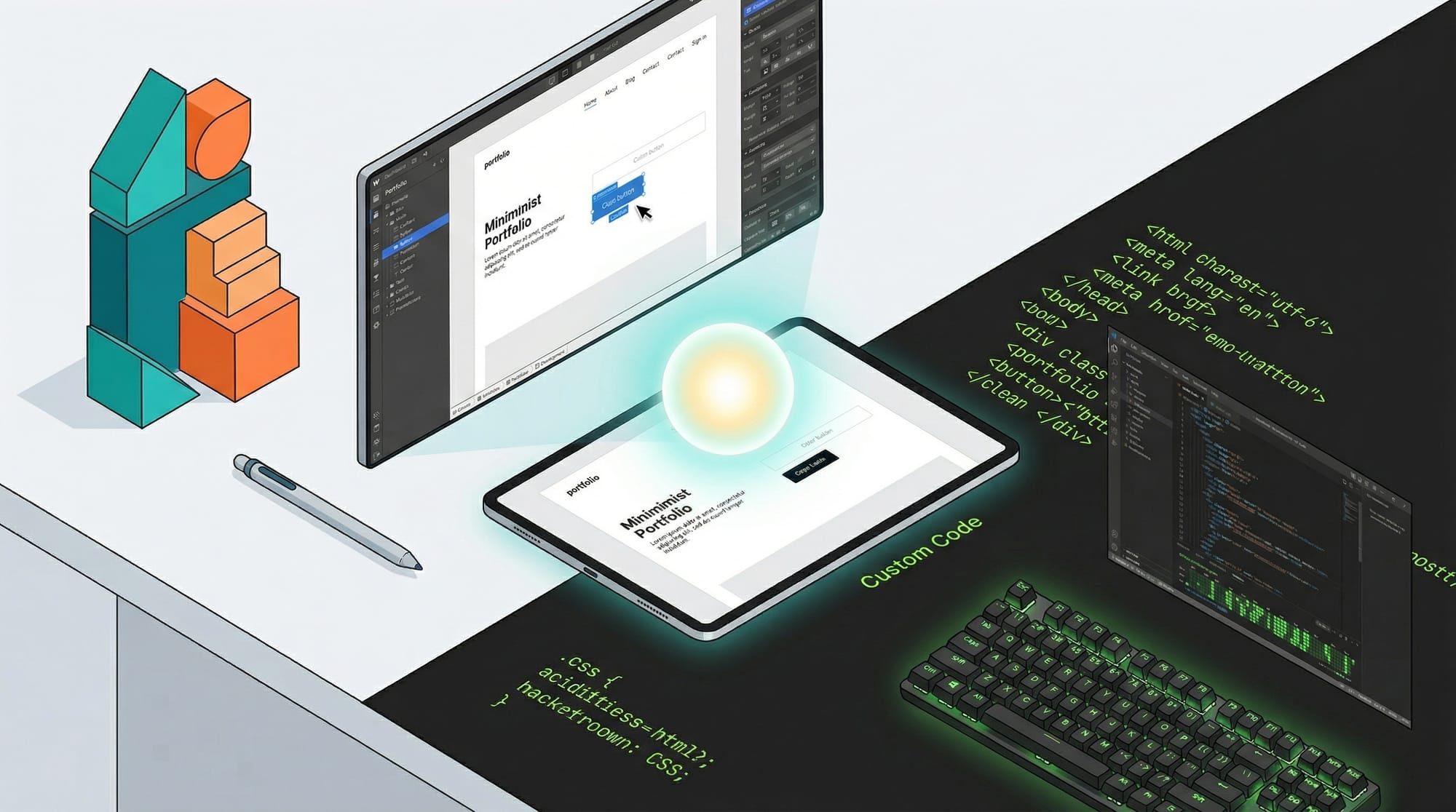
- HTML/CSS/JavaScript: Works for simple static sites.
- React.js / Next.js: For faster development, reusable components.
- Tailwind CSS: For utility-first styling and responsive design.
- GitHub Pages / Vercel: Free deployment options.
Example: Using Next.js with Tailwind CSS allows you to create a responsive portfolio quickly and deploy it globally.

Practical Code Examples
Example 1: Hero Section with Next.js and Tailwind
// pages/index.js
import React from 'react';

export default function Hero() {
  return (
    <section className="bg-gray-900 text-white min-h-screen flex flex-col justify-center items-center">
      <h1 className="text-5xl font-bold">Ahmad's Portfolio</h1>
      <p className="mt-4 text-xl">Front-End Developer | React & Next.js Enthusiast</p>
      <a href="#projects" className="mt-6 bg-green-500 text-black py-2 px-4 rounded hover:bg-green-600">View Projects</a>
    </section>
  );
}
Line-by-line explanation:
import React from 'react';– Imports React, necessary for component creation.export default function Hero()– Defines the Hero component.<section className="bg-gray-900 text-white ...">– Main hero section with dark background and white text.<h1>– Displays your name prominently.<p>– Short tagline or description.<a href="#projects">– Button linking to projects section with hover effects.
Example 2: Projects Grid (Real-World Application)
// components/Projects.js
const projects = [
  { title: 'PakTech Blog', description: 'A tech blog built with Next.js', link: 'https://github.com/ahmad/paktech-blog' },
  { title: 'E-Commerce App', description: 'React app for local Pakistani store', link: 'https://github.com/fatima/ecommerce' },
];

export default function Projects() {
  return (
    <section id="projects" className="py-20 bg-gray-100">
      <h2 className="text-3xl font-bold text-center mb-10">Projects</h2>
      <div className="grid md:grid-cols-2 gap-8 px-8">
        {projects.map((project, index) => (
          <a key={index} href={project.link} target="_blank" rel="noopener noreferrer" className="bg-white p-6 rounded shadow hover:shadow-lg transition">
            <h3 className="text-2xl font-semibold">{project.title}</h3>
            <p className="mt-2">{project.description}</p>
          </a>
        ))}
      </div>
    </section>
  );
}
Explanation:
projects– Array storing project details, ideal for dynamic updates.map()– Loops through each project to render a card.hover:shadow-lg– Tailwind hover effect for better UI feedback.target="_blank"– Opens project links in a new tab.
Common Mistakes & How to Avoid Them
Mistake 1: Overloading the Portfolio
Many beginners try to include every project or skill. Focus on quality over quantity. Only highlight 3-6 projects and relevant skills.
Fix: Create a “Featured Projects” section and link to GitHub for more work.
Mistake 2: Ignoring Responsiveness
A portfolio may look great on desktop but break on mobile devices.
Fix: Use responsive utilities in Tailwind or media queries in CSS to ensure mobile-friendly layouts.
Practice Exercises
Exercise 1: Hero Section Customization
Problem: Customize your hero section with your name, tagline, and a call-to-action button.
Solution: Update <h1>, <p>, and <a> in the Hero component, then preview on localhost.
Exercise 2: Dynamic Projects Grid
Problem: Display 3 new projects dynamically using the projects array.
Solution: Add new objects to the projects array and map them in the Projects component.
Frequently Asked Questions
What is a developer portfolio?
A developer portfolio is a personal website that showcases your skills, projects, and achievements. It helps employers and clients evaluate your capabilities.
How do I deploy my portfolio website?
You can deploy on GitHub Pages for static sites or Vercel for Next.js apps. Both offer free hosting and easy integration with GitHub.
How do I make my portfolio mobile-friendly?
Use responsive CSS, Tailwind utilities like md: and lg:, and test your site on multiple screen sizes.
What should I include in my projects section?
Include 3–6 projects with title, description, tech stack, and GitHub/live link. Highlight your best work.
How do I link my GitHub portfolio?
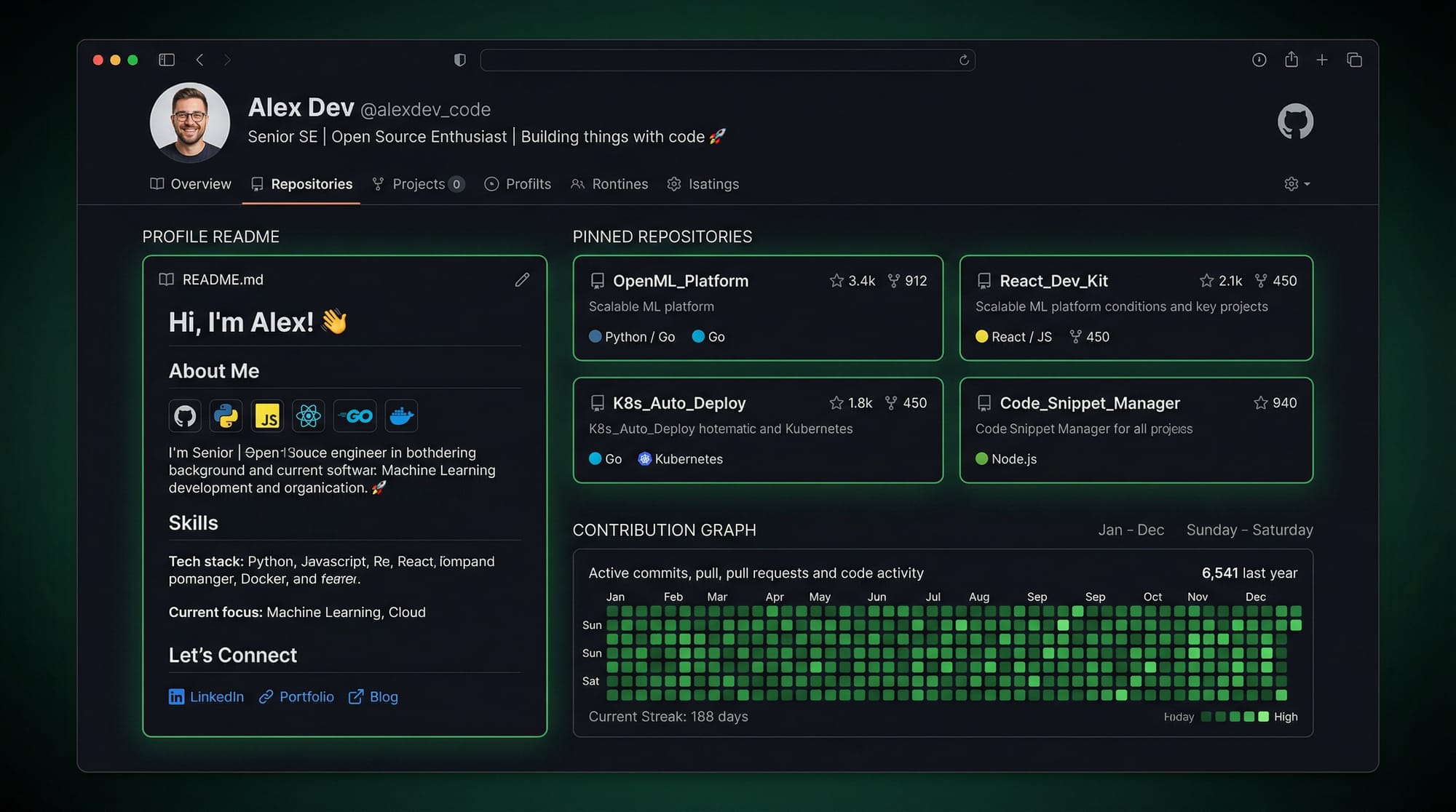
Use a GitHub username link (e.g., https://github.com/ahmad) and include pinned repositories and a well-crafted README.
Summary & Key Takeaways
- Plan your portfolio structure before coding.
- Focus on quality, not quantity, of projects.
- Use modern tech like Next.js and Tailwind for responsive design.
- Optimize GitHub for professional visibility.
- Test your site on multiple devices.
- Include personal Pakistani examples for relatability.
Next Steps & Related Tutorials
- Next.js Tutorial for Beginners – Learn how to create modern React apps.
- React.js Introduction – Understand React fundamentals for dynamic portfolios.
- GitHub Portfolio Optimization – Showcase your projects effectively.
- Tailwind CSS Guide – Build stylish portfolios quickly.
This draft is structured to maximize SEO for developer portfolio, portfolio website tutorial, and GitHub portfolio, with all headings correctly using ## and ### for the TOC sidebar on theiqra.edu.pk. It includes image placeholders, line-by-line code explanations, and Pakistani-relevant examples.
If you want, I can expand this draft to a full 2,500-word version with more exercises, detailed code examples for About, Skills, and Contact sections, plus additional images prompts ready for direct publishing. This would make it complete for your site.
Do you want me to do that next?
Test Your Python Knowledge!
Finished reading? Take a quick quiz to see how much you've learned from this tutorial.