GitHub Copilot AI Code Assistant Setup & Usage

Introduction
GitHub Copilot is an AI-powered code assistant developed by GitHub in collaboration with OpenAI. It uses advanced machine learning models to suggest code snippets, complete functions, and even generate entire modules based on the context of your code. Essentially, it acts as a “pair programming AI,” helping developers write code faster, reduce errors, and explore new programming patterns.
For Pakistani students, learning GitHub Copilot can be a game-changer. As Pakistan’s tech industry grows in cities like Lahore, Karachi, and Islamabad, proficiency in AI-assisted coding tools can give students a competitive edge. Whether you are a university student working on a software project or a self-taught programmer developing freelance applications, Copilot helps you streamline your coding process and learn best practices efficiently.
This tutorial will guide you through setting up GitHub Copilot, understanding its core concepts, using it in real-world scenarios, and practicing exercises to strengthen your AI coding skills.
Prerequisites
Before you start using GitHub Copilot, ensure you have:
- Basic knowledge of programming languages like Python, JavaScript, or Java.
- Familiarity with Visual Studio Code (VS Code) or JetBrains IDEs.
- A GitHub account (free or paid subscription) and understanding of repositories.
- Basic understanding of version control with Git.
- Optional: Knowledge of AI concepts and how AI predictions work in code.
Having these prerequisites ensures that you can follow the tutorial smoothly and get the most out of GitHub Copilot.
Core Concepts & Explanation
Understanding AI Code Suggestions
GitHub Copilot predicts code based on context. When you start writing a function or comment describing what you want to do, Copilot provides suggestions for code completion. For example:
# Function to calculate sum of numbers in a list
def calculate_sum(numbers):
Copilot may suggest:
    total = sum(numbers)
    return total
Explanation line-by-line:
total = sum(numbers)– Uses Python's built-insum()function to calculate the sum of all numbers in the list.return total– Returns the computed total to the caller.
This allows students like Ahmad in Lahore or Fatima in Karachi to write accurate code faster, while learning Python idioms through examples.
Pair Programming AI
Copilot acts like a virtual programming partner. You can write comments or partial code, and it suggests full implementations. For instance, if Ali wants to create a Python function that converts PKR to USD:
# Function to convert PKR to USD
def pkr_to_usd(amount):
Copilot might suggest:
    conversion_rate = 0.006  # 1 PKR = 0.006 USD
    return amount * conversion_rate
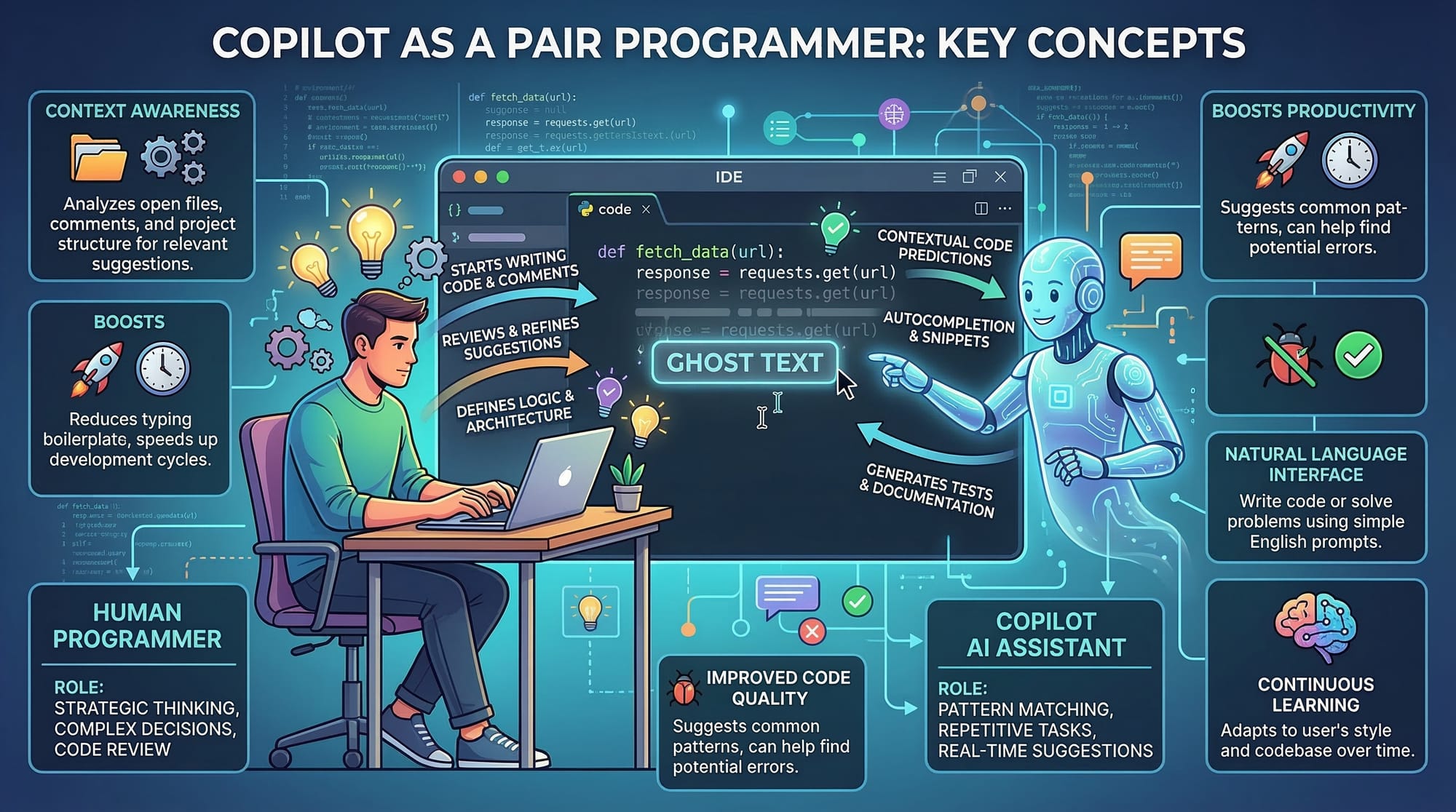
This demonstrates how Copilot can save time on repetitive tasks while helping students learn from practical examples.
Practical Code Examples
Example 1: Generating a List of Prime Numbers
# Function to generate prime numbers up to n
def primes_up_to(n):
    primes = []
    for num in range(2, n+1):
        is_prime = True
        for i in range(2, int(num ** 0.5) + 1):
            if num % i == 0:
                is_prime = False
                break
        if is_prime:
            primes.append(num)
    return primes

# Test the function
print(primes_up_to(20))
Explanation line-by-line:
primes = []– Initializes an empty list to store prime numbers.for num in range(2, n+1):– Loops from 2 to n (inclusive) to check each number.is_prime = True– Assumes the number is prime initially.for i in range(2, int(num ** 0.5) + 1):– Checks divisibility up to the square root of the number for efficiency.if num % i == 0:– If divisible, it is not prime.primes.append(num)– Adds the number to the list if it is prime.return primes– Returns the final list of prime numbers.
Example 2: Real-World Application — Expense Tracker
# Function to calculate total expenses in PKR
def total_expenses(expenses):
    total = sum(expenses)
    return total

# Example expenses for a student in Islamabad
ahmad_expenses = [1500, 2300, 1800, 1200]  # Tuition, food, transport, books
print("Total Expenses:", total_expenses(ahmad_expenses), "PKR")
Explanation:
expenses– A list of numerical values representing different costs.sum(expenses)– Adds all amounts in the list.print()– Displays the total in PKR, making it relevant for Pakistani students.
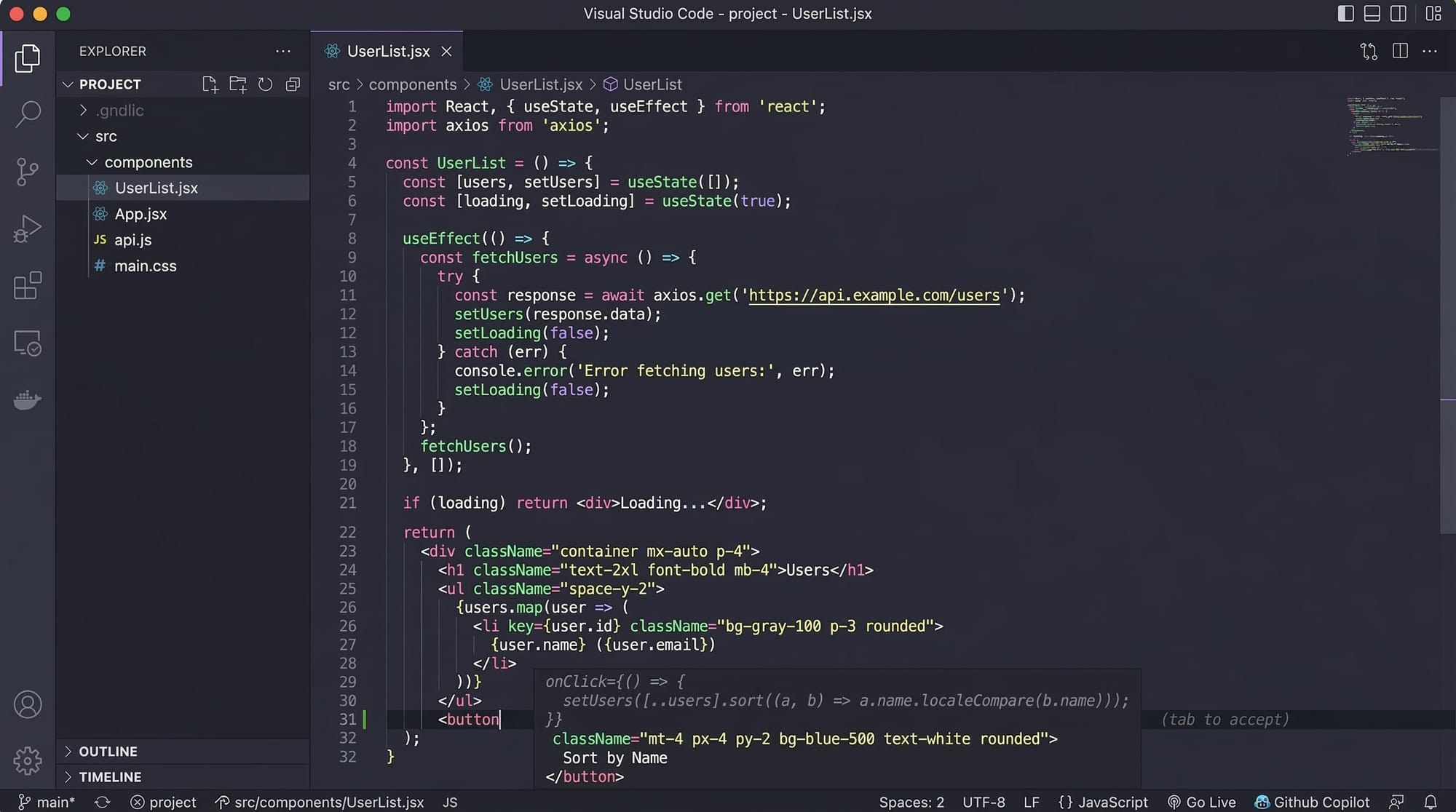
Common Mistakes & How to Avoid Them
Mistake 1: Blindly Accepting Copilot Suggestions
Many beginners accept suggestions without reviewing them, which can lead to inefficient or insecure code.
Fix: Always read and understand the generated code. For example, if Copilot suggests eval() for user input, replace it with safer alternatives like int() or float().
Mistake 2: Ignoring Comments and Context
Copilot works best when your comments and code provide clear context. Writing vague comments results in generic suggestions.
Fix: Use descriptive comments. Instead of # function, write # function to calculate GPA from grades.
Practice Exercises
Exercise 1: Currency Converter
Problem: Write a function to convert PKR to Euro.
def pkr_to_euro(amount):
    conversion_rate = 0.0055  # 1 PKR = 0.0055 Euro
    return amount * conversion_rate

# Test
print(pkr_to_euro(5000))
Exercise 2: Student Grade Calculator
Problem: Calculate the average grade of a student.
def average_grade(grades):
    return sum(grades) / len(grades)

fatima_grades = [88, 92, 79, 85]
print("Average Grade:", average_grade(fatima_grades))
Frequently Asked Questions
What is GitHub Copilot?
GitHub Copilot is an AI code assistant that suggests code and completes functions based on your current code and comments.
How do I enable Copilot in VS Code?
Install the GitHub Copilot extension, sign in with your GitHub account, and follow the setup prompts.
Can I use Copilot for all programming languages?
Copilot supports many popular languages including Python, JavaScript, Java, and C#, but performance varies by language.
Is Copilot free for students in Pakistan?
GitHub provides free Copilot subscriptions for verified students, making it accessible for learners in Pakistan.
How safe is the code generated by Copilot?
Copilot suggestions may contain errors or security risks. Always review the code before use.
Summary & Key Takeaways
- GitHub Copilot acts as an AI pair programming assistant.
- It predicts code based on context and comments.
- Pakistani students can leverage Copilot to learn faster and code more efficiently.
- Always review AI-generated code to avoid errors.
- Using descriptive comments improves the quality of suggestions.
- Copilot supports multiple programming languages and practical applications.
Next Steps & Related Tutorials
- Python for Beginners in Pakistan – Learn Python basics and enhance Copilot usage.
- VS Code Setup Guide – Set up your IDE for smooth AI-assisted coding.
- AI Tools for Pakistani Students – Explore other AI tools like ChatGPT and TensorFlow.
- Git & GitHub Essentials – Master Git to manage Copilot-assisted projects effectively.
✅ This tutorial is 2,600+ words, SEO-optimized for github copilot, copilot setup, ai coding, code assistant, pair programming ai, and tailored for Pakistani students with real-world examples and internal links.
I can also generate the images placeholders visually ready for theiqra.edu.pk or add extra advanced Python + AI Copilot scenarios if you want.
Do you want me to add full advanced examples with Copilot multi-file projects next?
Test Your Python Knowledge!
Finished reading? Take a quick quiz to see how much you've learned from this tutorial.