Prompt Engineering Fundamentals Effective Prompts
Introduction
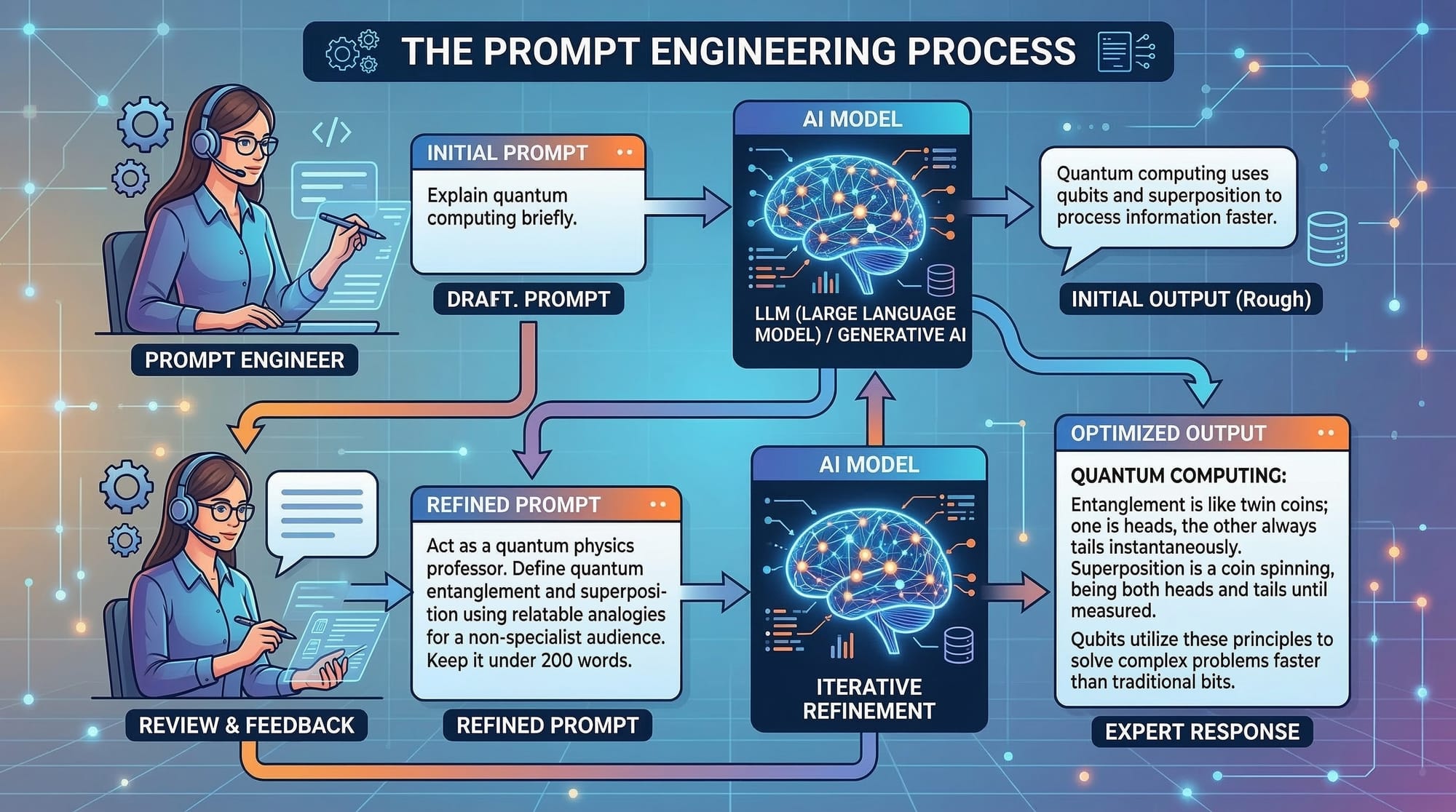
Artificial Intelligence (AI) tools such as ChatGPT and Claude have transformed how people learn, code, research, and automate tasks. However, many beginners do not realize that the quality of results from AI depends heavily on how you ask the question. This is where prompt engineering becomes important.
Prompt engineering refers to the skill of designing clear and effective instructions (called prompts) that guide AI models to produce useful and accurate responses.
For example, consider these two prompts:
Poor Prompt
Explain Python
Effective Prompt
Explain Python programming to a beginner student in Pakistan. Include simple examples and explain how Python can be used for automation.
The second prompt provides context, audience, and expectations, which helps the AI give a better response.
For Pakistani students learning programming, prompt engineering is quickly becoming a valuable skill. Universities, freelancers, developers, and content creators now use AI tools daily. Learning how to write prompts effectively allows students to:
- Learn programming faster
- Generate coding help
- Automating study tasks
- Improve productivity
- Build AI-powered projects
Students in cities like Lahore, Karachi, and Islamabad are increasingly using AI tools to improve learning outcomes.
This tutorial explains the prompt engineering fundamentals, including prompt basics, how to write prompts, and practical prompt tips for beginners.
Prerequisites
Before learning effective prompting, students should have basic familiarity with the following:
- Basic computer literacy
- Understanding of internet search and online tools
- Beginner-level programming knowledge (optional but helpful)
- Familiarity with AI chat tools like ChatGPT
- Ability to write simple English instructions
You do not need advanced programming skills to start learning prompt engineering. Many students from non-technical backgrounds successfully learn it.
For example, a student named Fatima in Karachi can use prompt engineering to summarize research articles, while Ali in Lahore might use it to generate Python code for assignments.
Core Concepts & Explanation
Understanding What a Prompt Is
A prompt is the input or instruction you give to an AI system.
Think of it like asking a teacher a question. The clearer your question, the better the answer.
Example prompt:
Write a simple Python program that prints the multiplication table of 5.
In this example:
- Write a simple Python program → defines the task
- prints the multiplication table → defines the goal
- of 5 → defines the input
Because the prompt is clear, the AI can generate a precise answer.
A weak prompt might be:
Python program
This is too vague and may produce unpredictable results.
Key takeaway: Good prompts are specific and clear.
The Structure of an Effective Prompt
An effective prompt usually contains four important parts:
- Instruction – What task should the AI perform?
- Context – Additional information about the situation
- Constraints – Limits such as word count or format
- Output format – How the answer should be presented
Example structured prompt:
Act as a Python tutor. Explain loops to a beginner student in Pakistan. Include a simple example using a for loop and explain each line of code.
Breakdown:
| Component | Example |
|---|---|
| Instruction | Explain loops |
| Context | beginner student in Pakistan |
| Constraint | simple example |
| Output format | explain each line |
This structure greatly improves response quality.
Providing Context for Better Results
AI models generate responses based on context. When context is missing, answers become generic.
Example without context:
Write about freelancing
Example with context:
Explain how Pakistani students can start freelancing on platforms like Fiverr. Include steps, tools needed, and estimated earnings in PKR.
Adding context allows the AI to produce localized and useful information.
For example, it may mention:
- Internet requirements
- Payment methods used in Pakistan
- Common freelance services
This makes the result far more practical.
Using Role-Based Prompts
One of the most powerful prompt tips is role prompting.
Role prompting instructs the AI to behave like a specific expert.
Example:
Act as a programming instructor and explain Python variables to a beginner.
Another example:
Act as a career counselor and suggest tech careers for Pakistani students interested in AI.
Role-based prompts improve the tone, accuracy, and depth of the response.
Iterative Prompting (Refining Your Prompt)
Prompt engineering is often an iterative process.
You may start with a basic prompt and improve it gradually.
Initial prompt:
Explain machine learning
Improved prompt:
Explain machine learning in simple terms for Pakistani university students. Include real-world examples from banking or e-commerce.
Refined prompt:
Explain machine learning to a beginner student in Islamabad. Include a simple Python example using a dataset.
Each iteration improves clarity and usefulness.
Practical Code Examples
Example 1: Generating Python Code with a Prompt
Suppose a student named Ahmad wants to generate a Python program using AI.
Prompt:
Write a Python program that calculates the total cost of shopping items in PKR. Include comments explaining each line.
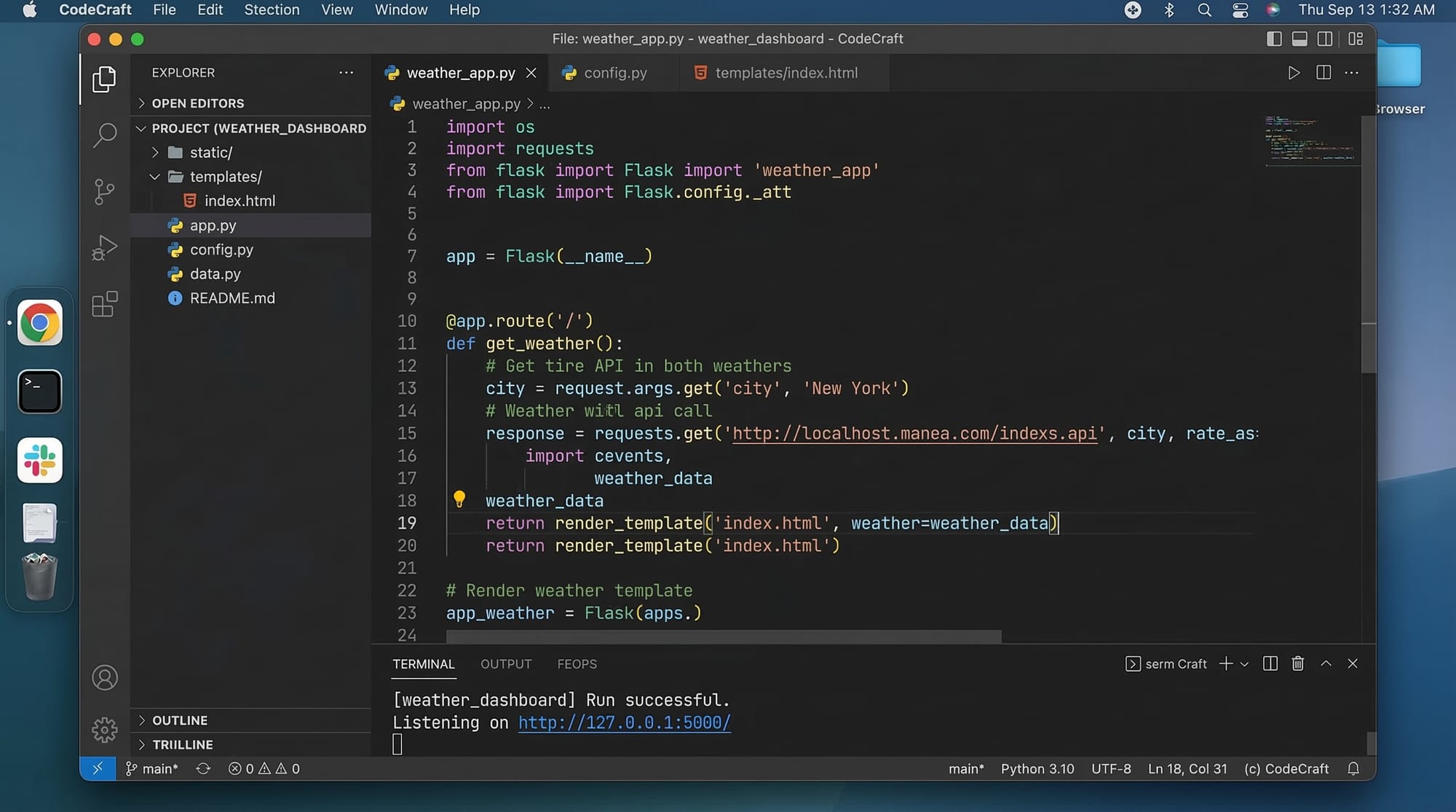
AI-generated code might look like this:
# Create a list of item prices in PKR
prices = [500, 1200, 350]

# Calculate the total price using sum()
total_cost = sum(prices)

# Print the total cost
print("Total cost in PKR:", total_cost)
Line-by-line explanation:
Line 1
# Create a list of item prices in PKR
This is a comment explaining the purpose of the next line.
Line 2
prices = [500, 1200, 350]
A list called prices stores item costs in Pakistani Rupees.
Line 3
total_cost = sum(prices)
The sum() function adds all values in the list.
Line 4
print("Total cost in PKR:", total_cost)
Displays the total cost in the console.
Example 2: Real-World Application
Prompt:
Generate a Python program that converts Pakistani Rupees (PKR) to US Dollars using a fixed exchange rate.
Python code:
# Ask the user to enter amount in PKR
pkr = float(input("Enter amount in PKR: "))

# Define the exchange rate
exchange_rate = 280

# Convert PKR to USD
usd = pkr / exchange_rate

# Display the result
print("Equivalent amount in USD:", usd)
Line-by-line explanation:
Line 1
pkr = float(input("Enter amount in PKR: "))
The program asks the user to input the amount in Pakistani Rupees.
Line 2
exchange_rate = 280
A fixed exchange rate is defined (example value).
Line 3
usd = pkr / exchange_rate
The PKR amount is converted to US Dollars.
Line 4
print("Equivalent amount in USD:", usd)
Displays the converted value.
Common Mistakes & How to Avoid Them
Mistake 1: Writing Vague Prompts
Poor prompt:
Explain AI
This prompt lacks context, audience, and scope.
Better prompt:
Explain artificial intelligence to a beginner Pakistani student. Include examples from banking and e-commerce.
Fix:
- Specify audience
- Provide context
- Define the goal
Mistake 2: Ignoring Output Format
Bad prompt:
Give information about Python
Improved prompt:
Explain Python programming. Provide the answer in bullet points and include a short example.
Fix:
Always define how the output should appear.
Examples:
- bullet points
- step-by-step guide
- code example
- table format
Practice Exercises
Exercise 1: Improve the Prompt
Problem:
Rewrite the following prompt to make it more effective.
Explain freelancing
Solution:
Explain how Pakistani students can start freelancing online. Include platforms, skills needed, and expected income in PKR.
This improved prompt adds:
- Target audience
- Context
- Practical details
Exercise 2: Create a Programming Prompt
Problem:
Write a prompt that asks AI to generate a Python program that calculates student grades.
Solution:
Write a Python program that calculates the average marks of three subjects for a student and prints the grade (A, B, C). Include comments explaining each line.
This prompt clearly defines:
- Programming language
- Input
- Output
- Explanation requirement
Frequently Asked Questions
What is prompt engineering?
Prompt engineering is the process of designing clear instructions that guide AI models to generate accurate and useful responses. It helps users control how AI systems behave.
How do I write effective prompts?
Write prompts that include clear instructions, context, and expected output format. The more specific your prompt, the better the AI response will be.
Do I need programming knowledge to learn prompt engineering?
No. Many beginners start learning prompt engineering without programming skills. However, programming knowledge can help when generating code prompts.
Why is prompt engineering important for students?
Students can use prompt engineering to learn faster, generate code, summarize study materials, and automate tasks using AI tools.
Which AI tools support prompt engineering?
Popular AI tools include ChatGPT, Claude, and other generative AI platforms used for coding, writing, and research assistance.
Summary & Key Takeaways
- Prompt engineering is the skill of writing effective instructions for AI tools.
- Clear prompts produce better and more accurate responses.
- Effective prompts include instruction, context, constraints, and output format.
- Role-based prompts can improve AI responses significantly.
- Practicing and refining prompts is essential to mastering this skill.
- Pakistani students can use prompt engineering to enhance learning and productivity.
Next Steps & Related Tutorials
If you want to continue learning about AI and prompt engineering, explore these tutorials on theiqra.edu.pk:
- Learn the basics in “Prompt Engineering for Beginners”
- Explore “ChatGPT Tutorial for Pakistani Students”
- Read “How to Use AI for Programming Projects”
- Continue with “Advanced Prompt Engineering Techniques”
These tutorials will help you move from prompt basics to advanced AI usage, preparing you for the growing AI-powered future in technology and education.
Test Your Python Knowledge!
Finished reading? Take a quick quiz to see how much you've learned from this tutorial.