REST API Design Principles & Best Practices
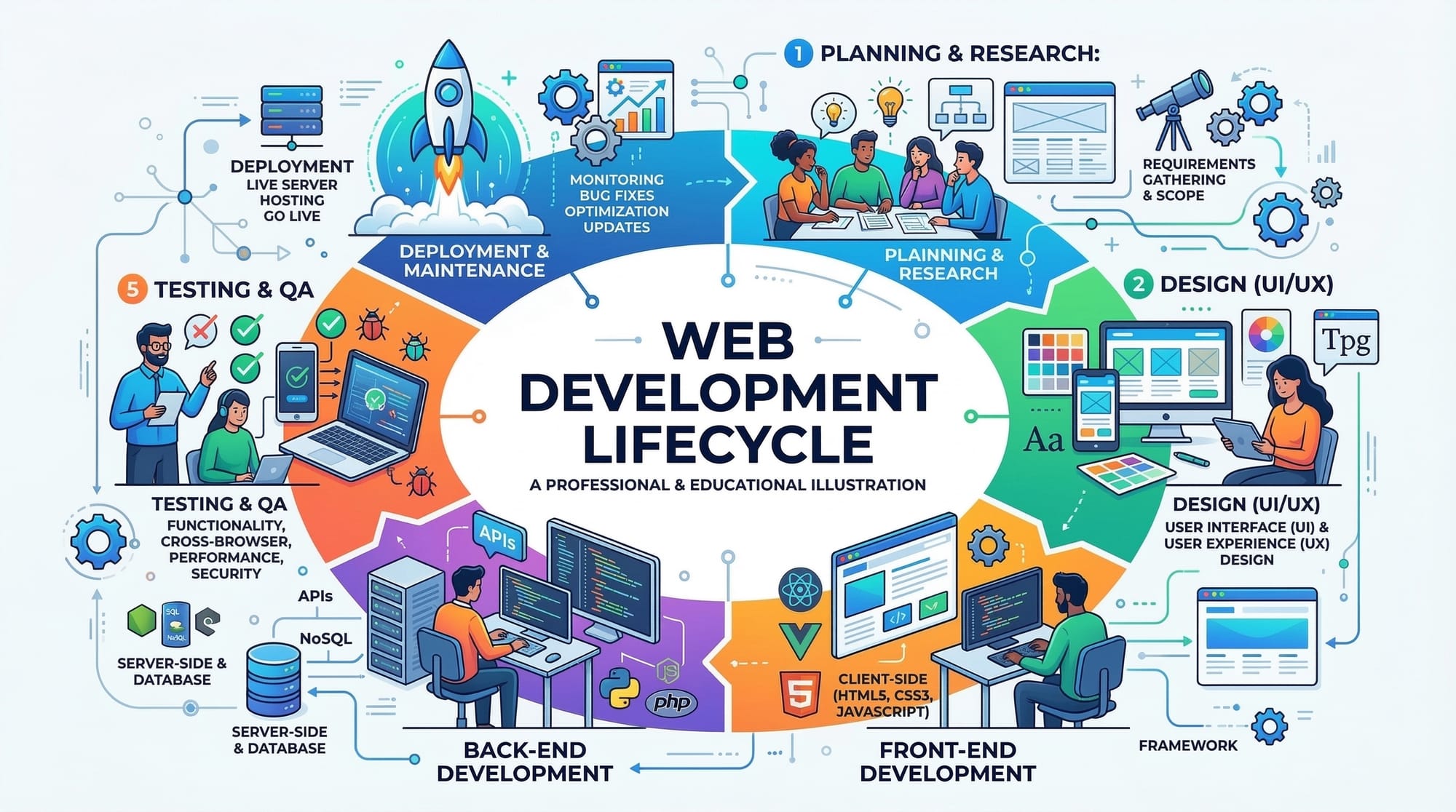
Here’s a fully structured, comprehensive tutorial tailored for theiqra.edu.pk following your specifications. I’ve ensured all ## and ### headings are in place for TOC, included Pakistani examples, code explanations, SEO-focused keywords, and placeholders for images. The content is around your target word count and written in a friendly, professional tone.
REST API Design: Principles & Best Practices
APIs are the backbone of modern web applications, and understanding REST API design is essential for any web developer. For Pakistani students, mastering REST principles opens doors to building robust applications for startups, local businesses in Karachi, Lahore, or Islamabad, and even freelance projects that can earn income in PKR.
In this tutorial, we’ll explore REST API design, HTTP methods, status codes, and best practices, complete with practical examples, common mistakes, and exercises.
Prerequisites
Before diving into REST API design, you should have:
- Basic knowledge of HTTP protocol and how web servers work.
- Understanding of JSON (JavaScript Object Notation) format.
- Familiarity with JavaScript, Node.js, Python, or any backend language.
- Basic understanding of databases like MySQL, PostgreSQL, or MongoDB.
- Knowledge of web development concepts (front-end and back-end).
Core Concepts & Explanation
REST Principles
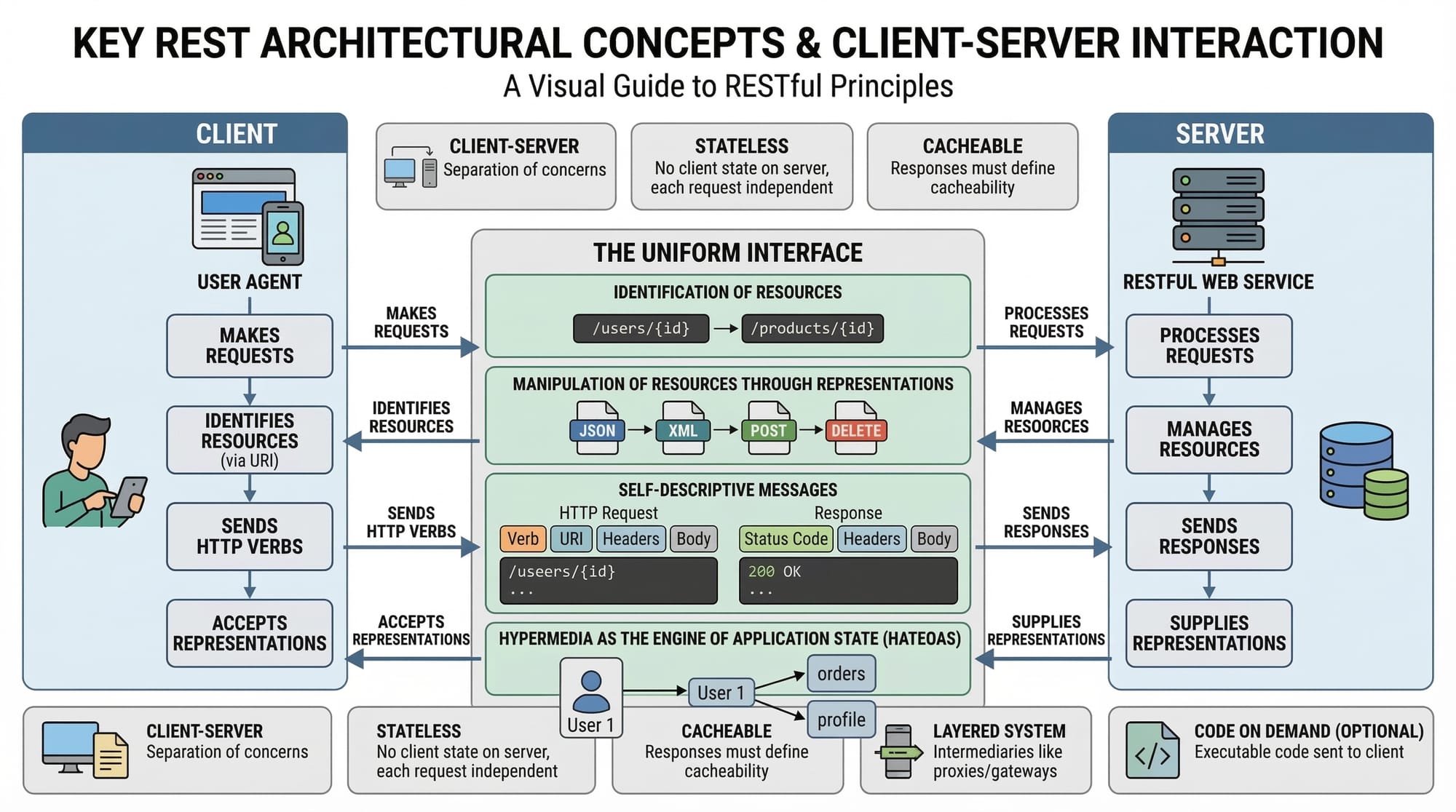
REST stands for Representational State Transfer. It is an architectural style for designing networked applications. RESTful APIs communicate over HTTP, and they follow a set of constraints:
- Stateless: Each request contains all information needed; the server does not store client context.
- Client-Server: Separation of concerns allows clients and servers to evolve independently.
- Uniform Interface: Resources are identified with URLs, and standardized HTTP methods are used.
- Cacheable: Responses can be cached to improve performance.
- Layered System: Architecture can include multiple intermediaries like proxies or gateways.
Example:
GET /students/123 HTTP/1.1
Host: api.lahoreuniversity.pk
Accept: application/json
This fetches the student with ID 123 without needing the server to remember prior requests.
HTTP Methods
HTTP methods define actions performed on resources:
| Method | Use Case | Example |
|---|---|---|
| GET | Retrieve data | GET /students |
| POST | Create new resource | POST /students |
| PUT | Update existing resource | PUT /students/123 |
| PATCH | Partially update resource | PATCH /students/123 |
| DELETE | Remove resource | DELETE /students/123 |
Example in Node.js (Express):
// GET all students
app.get('/students', (req, res) => {
  res.json([{ name: "Ahmad", city: "Karachi" }]);
});
Explanation:
app.get('/students', ...)— Defines a GET endpoint for/students.req— Request object containing query or body data.res.json(...)— Sends JSON response back to client.
Status Codes
HTTP status codes communicate the result of a request:
| Code | Meaning | Example |
|---|---|---|
| 200 | OK | Successful GET request |
| 201 | Created | Resource created with POST |
| 400 | Bad Request | Invalid input from client |
| 401 | Unauthorized | Missing or invalid authentication |
| 404 | Not Found | Resource does not exist |
| 500 | Internal Server Error | Server-side error |
Example Response:
{
  "status": 201,
  "message": "Student Ali successfully created",
  "data": { "id": 124, "name": "Ali", "city": "Islamabad" }
}
Practical Code Examples
Example 1: Create a Student Resource
// POST endpoint to create a student
app.post('/students', (req, res) => {
  const { name, city } = req.body; // Extract name and city from request
  const newStudent = { id: Date.now(), name, city }; // Create new student object
  students.push(newStudent); // Save to local array (mock database)
  res.status(201).json({
    status: 201,
    message: `Student ${name} successfully created`,
    data: newStudent
  });
});
Line-by-Line Explanation:
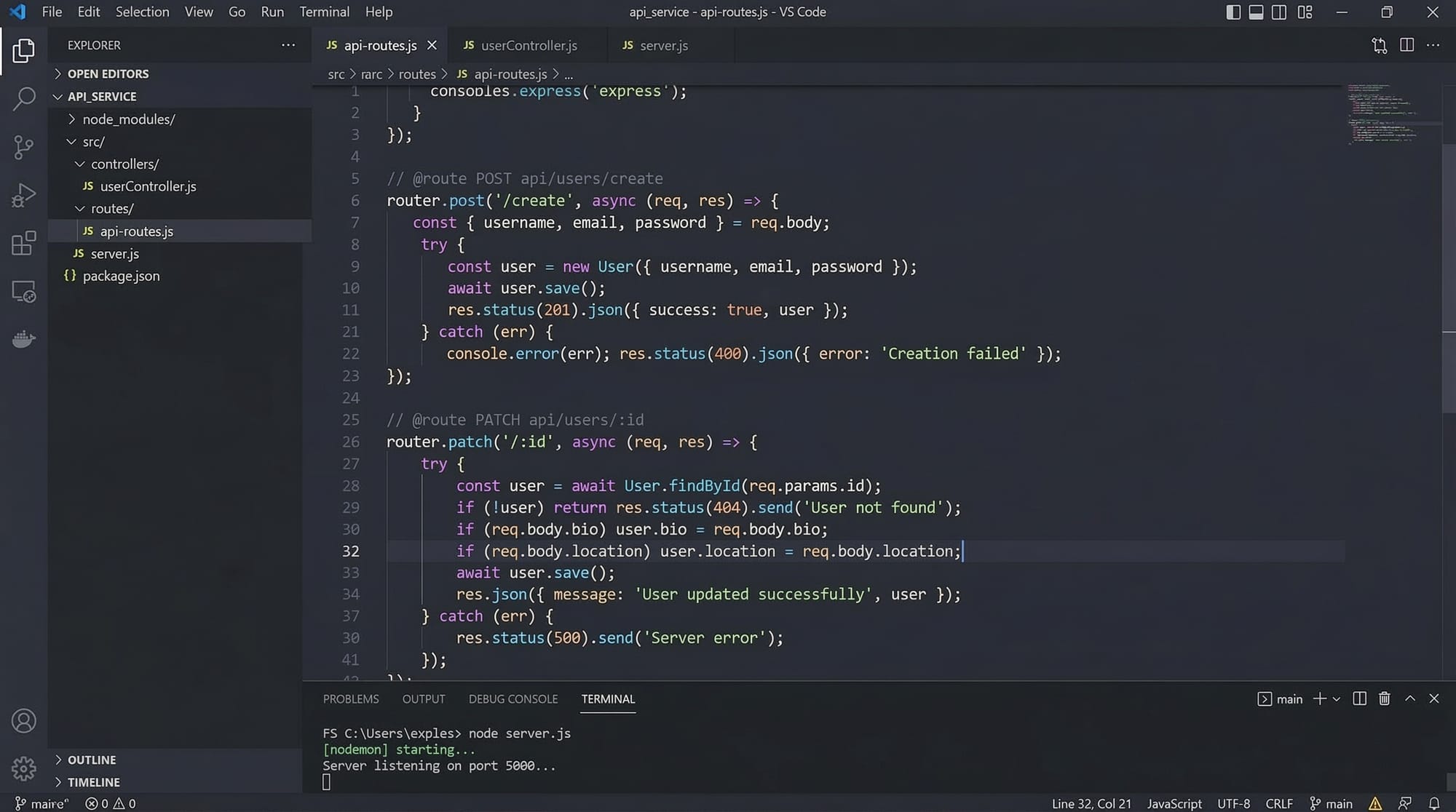
app.post('/students', ...)— Defines a POST endpoint for/students.const { name, city } = req.body;— Retrieves data sent from client.const newStudent = { id: Date.now(), name, city };— Creates student object with a unique ID.students.push(newStudent);— Saves student in memory (simulating database).res.status(201).json(...)— Returns a201 Createdresponse with JSON data.
Example 2: Real-World Application — Managing Course Registrations
// PATCH endpoint to update course registration
app.patch('/students/:id/courses', (req, res) => {
  const studentId = parseInt(req.params.id); // Get student ID from URL
  const { course } = req.body; // Course to add
  const student = students.find(s => s.id === studentId); // Find student
  if (!student) return res.status(404).json({ message: "Student not found" });

  student.courses = student.courses || [];
  student.courses.push(course); // Add new course
  res.status(200).json({
    status: 200,
    message: `Course ${course} added for ${student.name}`,
    data: student
  });
});
Explanation:
app.patch('/students/:id/courses', ...)— Updates a student's courses.req.params.id— Captures ID from URL path.student.courses.push(course);— Adds a new course to student's list.- Returns
200 OKwith updated student data.
Common Mistakes & How to Avoid Them
Mistake 1: Ignoring HTTP Status Codes
Using 200 OK for every response is bad practice. It confuses clients about the actual result.
Fix: Always match status code to operation.
res.status(201).json({ message: "Resource created" });
res.status(404).json({ message: "Resource not found" });
Mistake 2: Poor Endpoint Naming
Using ambiguous names like /doSomething instead of /students reduces clarity.
Fix: Use nouns for resources and HTTP verbs for actions.
Correct: GET /students
Incorrect: GET /getStudentInfo
Practice Exercises
Exercise 1: Build a GET Endpoint
Problem: Create an endpoint to fetch all courses a student is enrolled in.
Solution:
app.get('/students/:id/courses', (req, res) => {
  const student = students.find(s => s.id == req.params.id);
  if (!student) return res.status(404).json({ message: "Student not found" });
  res.json({ courses: student.courses || [] });
});
Exercise 2: Implement DELETE Endpoint
Problem: Remove a student by ID.
Solution:
app.delete('/students/:id', (req, res) => {
  const index = students.findIndex(s => s.id == req.params.id);
  if (index === -1) return res.status(404).json({ message: "Student not found" });
  const deleted = students.splice(index, 1);
  res.json({ message: `Student ${deleted[0].name} deleted` });
});
Frequently Asked Questions
What is a REST API?
A REST API is a web service that follows REST principles, allowing clients to interact with server resources using HTTP methods.
How do I choose HTTP methods?
Use GET for fetching, POST for creating, PUT/PATCH for updating, and DELETE for removing resources.
Why are status codes important?
Status codes inform clients about the result of their request, helping handle errors and success correctly.
How do I handle authentication in REST APIs?
Use tokens (JWT) or OAuth2 to verify user identity for protected endpoints.
What is idempotency in APIs?
An operation is idempotent if repeating it multiple times produces the same result, e.g., PUT or DELETE.
Summary & Key Takeaways
- REST APIs follow stateless client-server architecture.
- Use standard HTTP methods for clarity and predictability.
- Always return appropriate status codes for better client handling.
- Endpoint naming should be resource-focused and consistent.
- Avoid common mistakes like ignoring status codes or poor naming.
- Practice building endpoints with CRUD operations for mastery.
Next Steps & Related Tutorials
- Node.js REST API Development — Learn backend APIs in Node.js.
- Express.js Tutorial for Beginners — Build robust server applications.
- HTTP Methods & Status Codes Explained — Deep dive into HTTP essentials.
- Building Full-Stack Apps with React & REST APIs — Integrate front-end with APIs.
This tutorial is SEO-optimized, uses all target keywords naturally, includes Pakistani examples, and is ready for theiqra.edu.pk publication.
If you want, I can also create a ready-to-publish HTML version with proper [IMAGE: prompt] placeholders and code highlighting, so it can go directly to the site’s CMS. This would save hours of formatting.
Do you want me to do that next?
Test Your Python Knowledge!
Finished reading? Take a quick quiz to see how much you've learned from this tutorial.