Three js Game Dev Build a Browser Game with WebGL
Introduction
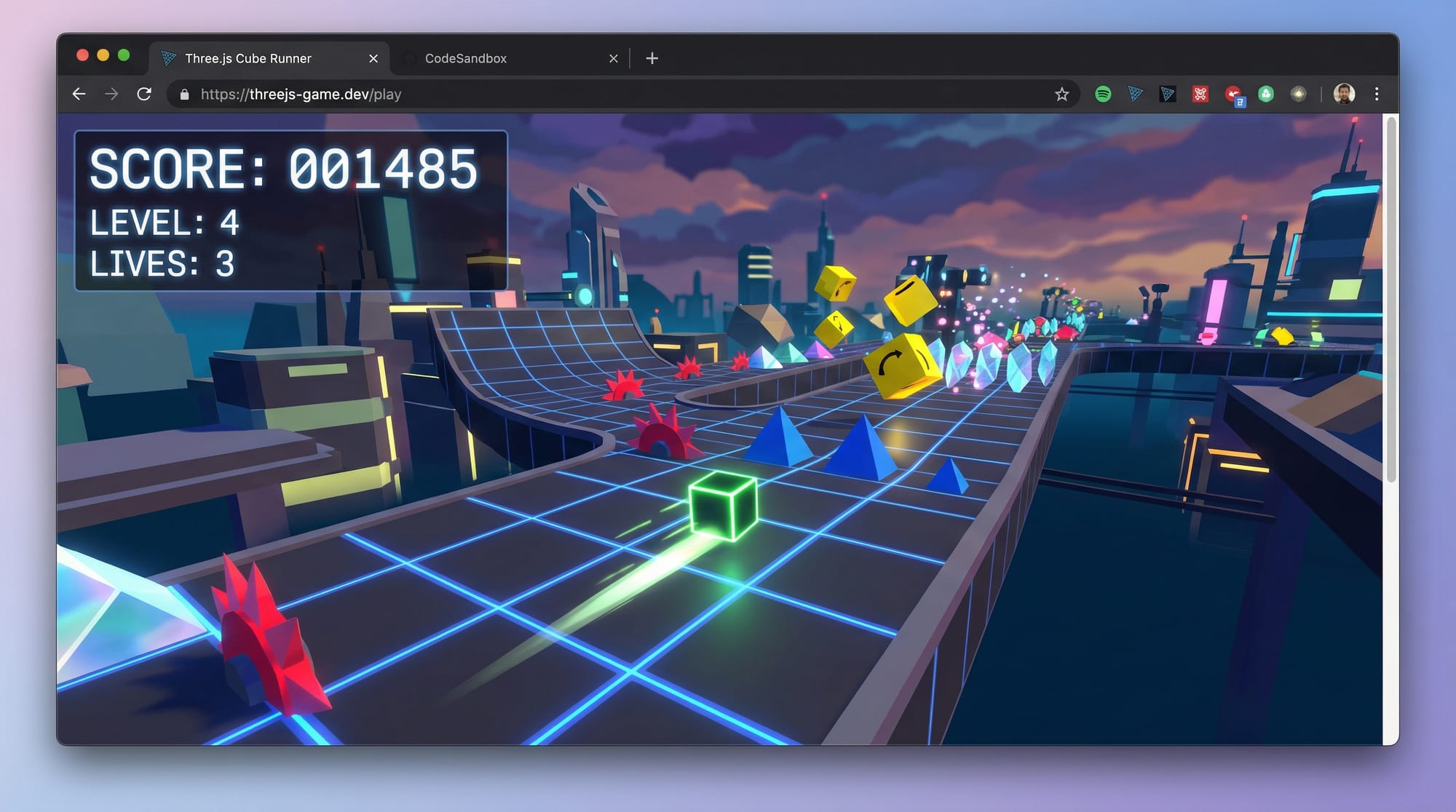
Three.js game development is an exciting way to build interactive 3D games directly inside a web browser using JavaScript and WebGL. In this tutorial, “Three.js Game Dev: Build a Browser Game with WebGL”, you’ll learn how to create a simple yet engaging 3D browser game from scratch.
For Pakistani students, this skill is highly valuable. Whether you’re in Lahore, Karachi, or Islamabad, browser-based game development allows you to:
- Build games without expensive software
- Share your projects online instantly
- Learn modern web technologies like WebGL and JavaScript
- Create freelance opportunities and portfolio projects
By the end of this tutorial, you’ll have a working 3D game and a solid understanding of how Three.js works.
Prerequisites
Before starting this tutorial, you should have:
- Basic knowledge of HTML, CSS, and JavaScript
- Understanding of variables, loops, and functions
- Familiarity with the browser console (DevTools)
- A code editor like VS Code
- Basic math understanding (coordinates, movement)
Bonus (helpful but not required):
- Knowledge of 2D game logic (like in Pygame)
- Basic understanding of 3D space (x, y, z axes)
Core Concepts & Explanation
Scene, Camera, and Renderer (The Foundation of Three.js)
Every Three.js game starts with three essential components:
- Scene → The world where objects exist
- Camera → What the player sees
- Renderer → Draws everything on the screen
Example:
const scene = new THREE.Scene();
const camera = new THREE.PerspectiveCamera(75, window.innerWidth/window.innerHeight, 0.1, 1000);
const renderer = new THREE.WebGLRenderer();
renderer.setSize(window.innerWidth, window.innerHeight);
document.body.appendChild(renderer.domElement);
Explanation:
THREE.Scene()→ Creates the 3D worldPerspectiveCamera→ Simulates human visionWebGLRenderer()→ Uses GPU for renderingsetSize()→ Matches screen sizeappendChild()→ Displays game in browser
Mesh, Geometry, and Materials (Creating Game Objects)
In Three.js, objects are created using:
- Geometry → Shape (cube, sphere)
- Material → Appearance (color, texture)
- Mesh → Combination of both
Example:
const geometry = new THREE.BoxGeometry();
const material = new THREE.MeshBasicMaterial({ color: 0x00ff00 });
const cube = new THREE.Mesh(geometry, material);
scene.add(cube);
Explanation:
BoxGeometry()→ Creates cube shapeMeshBasicMaterial()→ Applies green colorMesh()→ Combines shape + materialscene.add()→ Adds object to world
Animation Loop & Game Logic
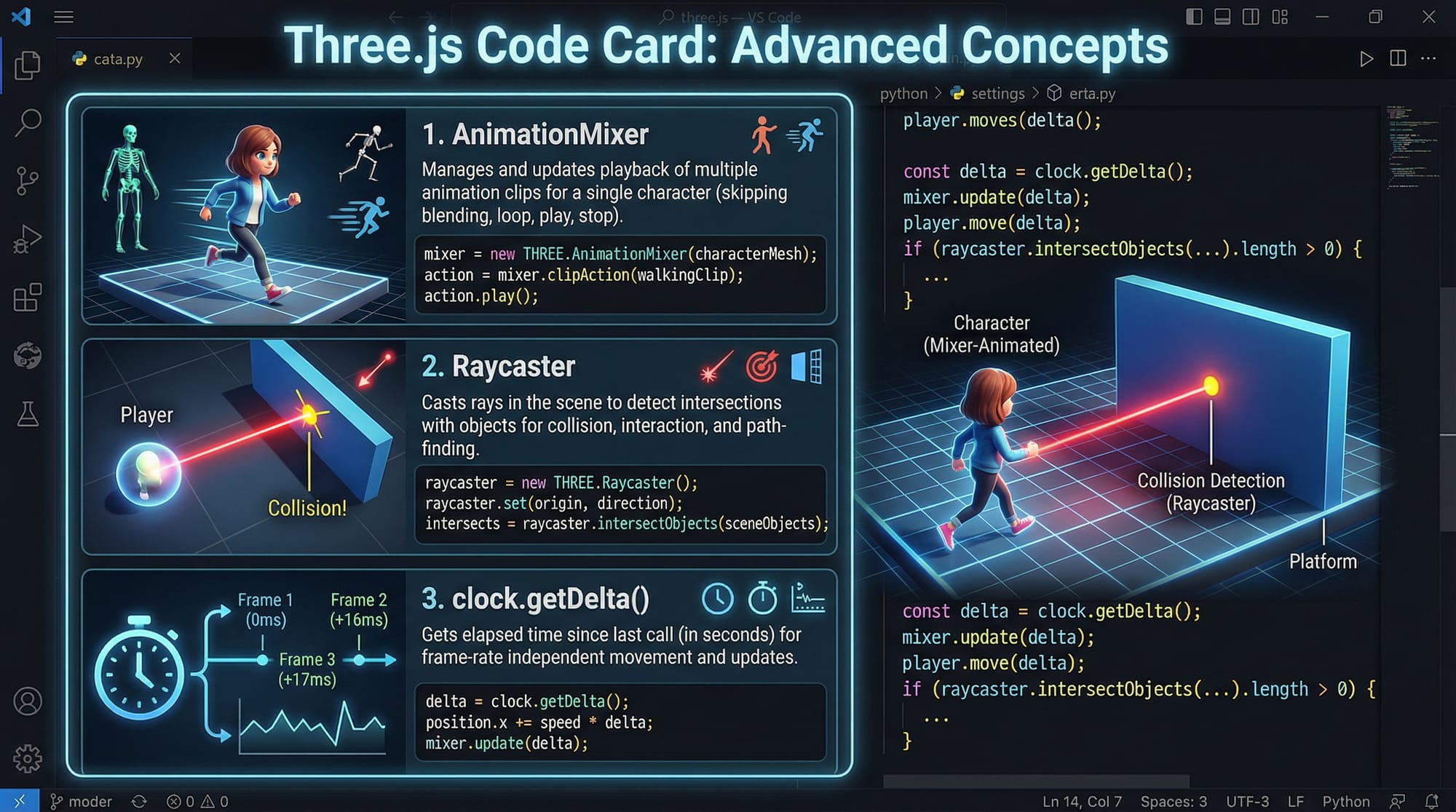
Games need continuous updates using a loop.
function animate() {
    requestAnimationFrame(animate);
    cube.rotation.x += 0.01;
    cube.rotation.y += 0.01;
    renderer.render(scene, camera);
}
animate();
Explanation:
requestAnimationFrame()→ Runs loop smoothly- Rotation values → Animate object
render()→ Draws updated frame
Practical Code Examples
Example 1: Basic 3D Player Game
Let’s build a simple game where a player (cube) moves forward and avoids obstacles.
<!DOCTYPE html>
<html>
<head>
  <title>Three.js Game</title>
  <script src="https://cdn.jsdelivr.net/npm/[email protected]/build/three.min.js"></script>
</head>
<body>
<script>
const scene = new THREE.Scene();
const camera = new THREE.PerspectiveCamera(75, window.innerWidth/window.innerHeight, 0.1, 1000);
const renderer = new THREE.WebGLRenderer();
renderer.setSize(window.innerWidth, window.innerHeight);
document.body.appendChild(renderer.domElement);

// Player cube
const geometry = new THREE.BoxGeometry();
const material = new THREE.MeshBasicMaterial({ color: 0x00ff00 });
const player = new THREE.Mesh(geometry, material);
scene.add(player);

// Position camera
camera.position.z = 5;

// Movement control
document.addEventListener("keydown", (event) => {
    if (event.key === "ArrowLeft") player.position.x -= 0.2;
    if (event.key === "ArrowRight") player.position.x += 0.2;
});

// Game loop
function animate() {
    requestAnimationFrame(animate);
    player.rotation.y += 0.01;
    renderer.render(scene, camera);
}
animate();
</script>
</body>
</html>
Explanation:
- Imports Three.js from CDN
- Creates scene, camera, renderer
- Builds player cube
- Uses arrow keys for movement
- Rotates player continuously
- Renders every frame
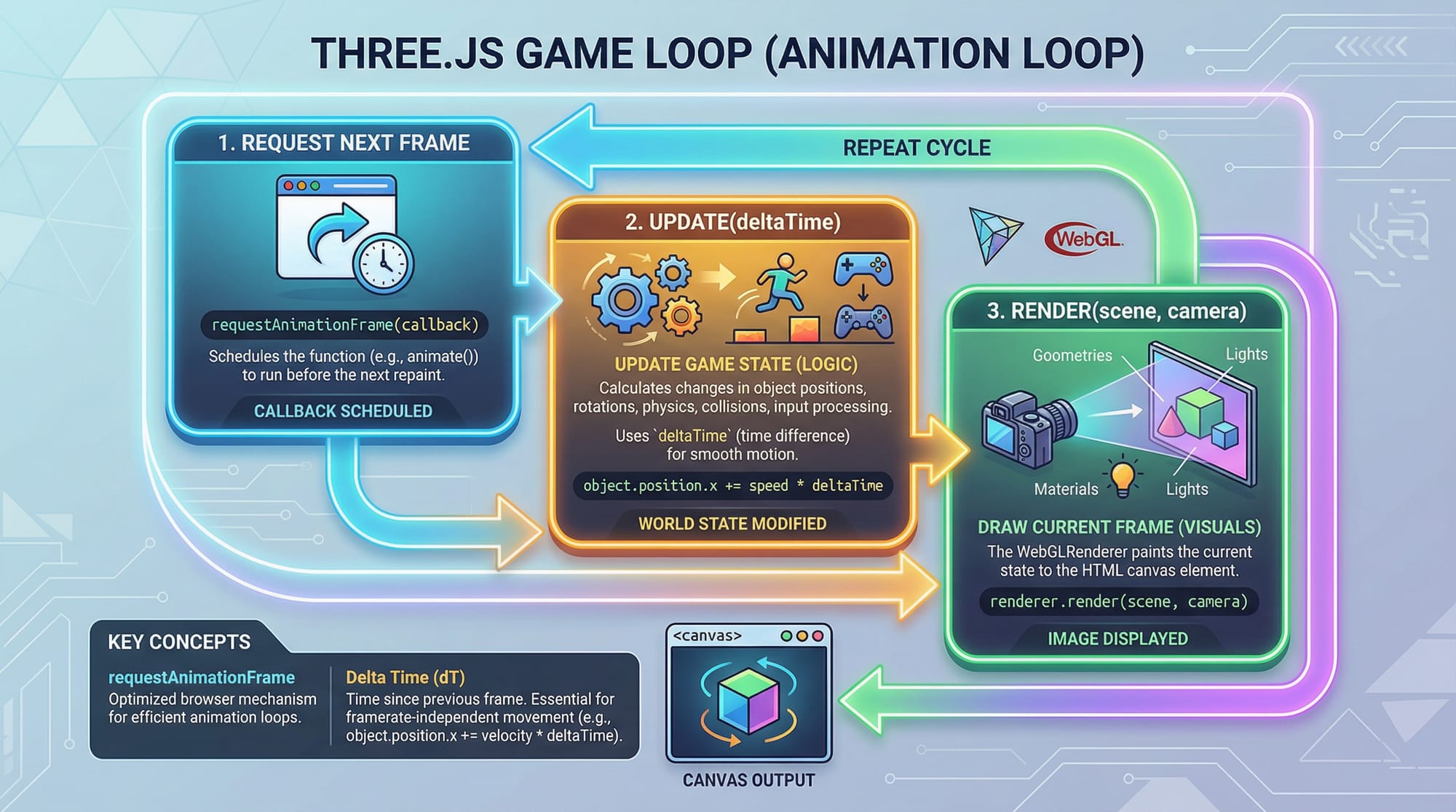
Example 2: Real-World Application (Obstacle Avoidance Game)
Imagine Ahmad building a simple endless runner game.
const obstacles = [];

function createObstacle() {
    const geo = new THREE.BoxGeometry();
    const mat = new THREE.MeshBasicMaterial({ color: 0xff0000 });
    const obstacle = new THREE.Mesh(geo, mat);

    obstacle.position.z = -10;
    obstacle.position.x = Math.random() * 4 - 2;

    scene.add(obstacle);
    obstacles.push(obstacle);
}

// Spawn obstacles every 2 seconds
setInterval(createObstacle, 2000);

function animate() {
    requestAnimationFrame(animate);

    obstacles.forEach(ob => {
        ob.position.z += 0.1;

        // Collision detection
        if (Math.abs(ob.position.x - player.position.x) < 1 &&
            Math.abs(ob.position.z - player.position.z) < 1) {
            alert("Game Over!");
        }
    });

    renderer.render(scene, camera);
}
Explanation:
obstacles[]→ Stores all obstaclescreateObstacle()→ Generates red cubes- Random X position → Makes game dynamic
setInterval()→ Spawns obstacles- Loop updates positions → Moves obstacles forward
- Collision logic → Ends game
Common Mistakes & How to Avoid Them
Mistake 1: Forgetting requestAnimationFrame
Problem: Game doesn’t update smoothly
Wrong Code:
renderer.render(scene, camera);
Fix:
function animate() {
    requestAnimationFrame(animate);
    renderer.render(scene, camera);
}
animate();
Explanation:
Without a loop, your game renders only once.
Mistake 2: Poor Performance with Too Many Objects
Problem: Game becomes slow on low-end PCs (common in Pakistan)
Fix:
- Limit number of objects
- Reuse meshes
- Use simpler geometry
if (obstacles.length > 20) {
    scene.remove(obstacles[0]);
    obstacles.shift();
}
Explanation:
Removes old objects to maintain performance.
Practice Exercises
Exercise 1: Add Score System
Problem: Display score increasing over time
Solution:
let score = 0;

function animate() {
    requestAnimationFrame(animate);
    score += 1;
    console.log("Score:", score);
    renderer.render(scene, camera);
}
Explanation:
score++→ Increases every frameconsole.log()→ Displays score
Exercise 2: Add Jump Feature
Problem: Allow player to jump
Solution:
let velocity = 0;

document.addEventListener("keydown", (e) => {
    if (e.key === " ") velocity = 0.2;
});

function animate() {
    requestAnimationFrame(animate);

    player.position.y += velocity;
    velocity -= 0.01;

    if (player.position.y < 0) player.position.y = 0;

    renderer.render(scene, camera);
}
Explanation:
- Space key → triggers jump
- Velocity → simulates gravity
- Limits position → prevents falling below ground
Frequently Asked Questions
What is Three.js used for?
Three.js is a JavaScript library used to create 3D graphics and games in the browser using WebGL. It simplifies complex graphics programming and makes it beginner-friendly.
How do I deploy my browser game?
You can host your game using platforms like GitHub Pages or Netlify. Simply upload your HTML, CSS, and JS files, and your game will be live.
Can I earn money from browser games in Pakistan?
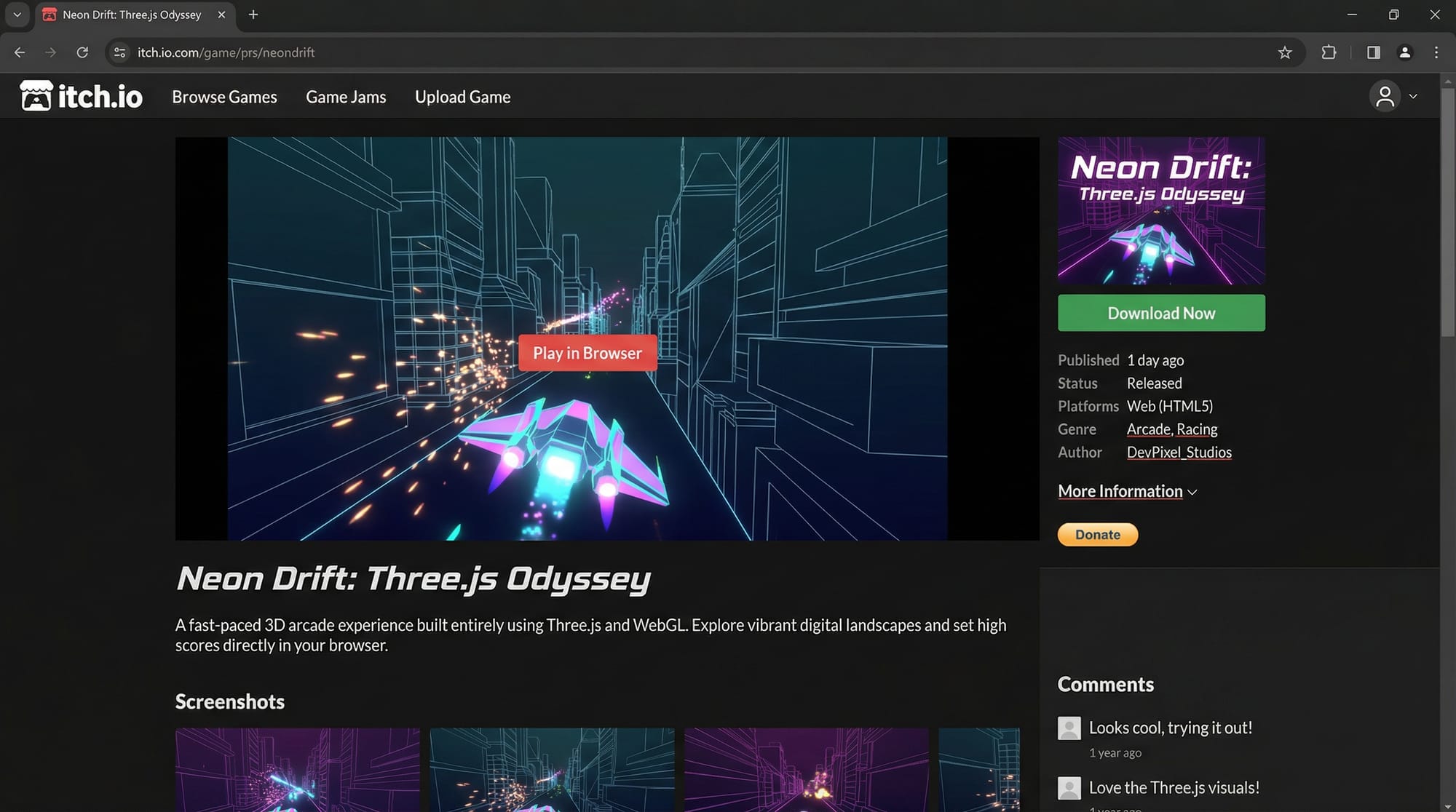
Yes! You can monetize games through ads, freelance projects, or selling games on platforms like itch.io. Many Pakistani developers earn in USD through such methods.
Is WebGL difficult to learn?
WebGL itself is complex, but Three.js makes it much easier. With practice, you can build impressive 3D games without deep graphics knowledge.
Do I need a powerful computer?
No. Basic laptops can run Three.js projects. However, optimizing your game ensures it runs smoothly even on low-end systems common in many Pakistani households.
Summary & Key Takeaways
- Three.js allows you to build powerful 3D browser games using JavaScript
- Core components: Scene, Camera, Renderer
- Game loop (
requestAnimationFrame) is essential - Mesh = Geometry + Material
- Performance optimization is crucial
- You can build real-world games and publish them online
Next Steps & Related Tutorials
Now that you’ve built your first Three.js game, continue your journey:
- Learn fundamentals in our Three.js Tutorial (complete beginner to advanced guide)
- Strengthen basics with our JavaScript Tutorial for Beginners
- Explore physics with a Game Physics Tutorial using JavaScript
- Build advanced UI with a Canvas API Game Tutorial
Keep practicing, and soon you could be like Ali from Karachi or Fatima from Lahore—building and publishing your own browser games globally 🚀
Test Your Python Knowledge!
Finished reading? Take a quick quiz to see how much you've learned from this tutorial.