Vite Tutorial Next Generation Frontend Build Tool 2026
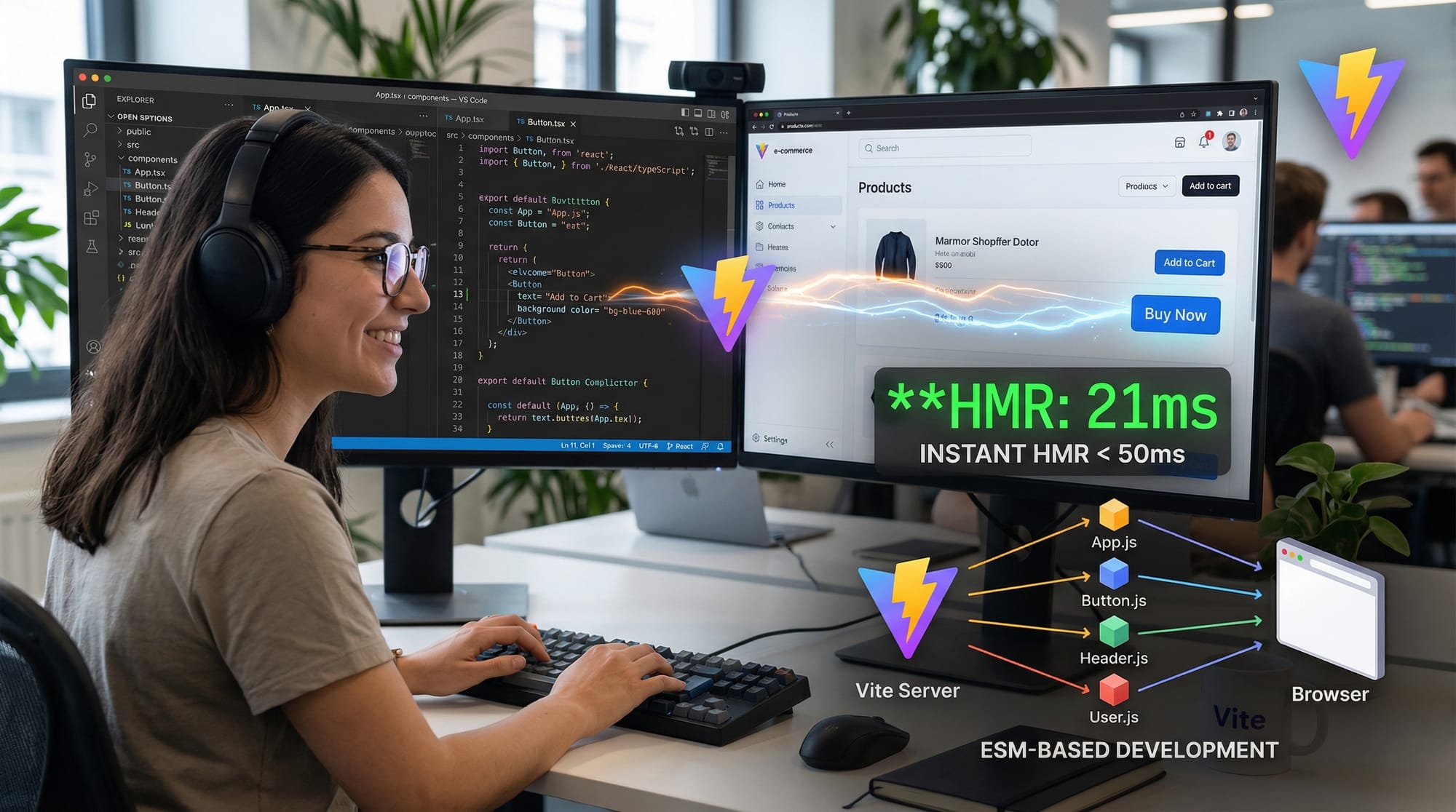
Frontend development is constantly evolving, and tools that make developers’ lives easier are always in demand. Vite is a next-generation frontend build tool designed for fast development and optimized production builds. Unlike traditional bundlers, Vite leverages modern JavaScript features like ES Modules (ESM) to provide lightning-fast hot module replacement (HMR) and near-instant server start times.
For Pakistani students, learning Vite JS in 2026 is essential because web projects are growing in complexity, and employers now prefer developers who can efficiently manage modern build tools. Whether you’re building a personal project in Lahore, a startup app in Karachi, or a freelance project in Islamabad, Vite can drastically improve your development workflow.
Prerequisites
Before diving into Vite, you should be familiar with:
- Basic HTML, CSS, and JavaScript
- Understanding of Node.js and npm/yarn
- Familiarity with JavaScript modules (import/export)
- Basic terminal/command-line usage
- Optional: Knowledge of React, Vue, or Svelte for framework-specific Vite projects
Core Concepts & Explanation
Vite Dev Server
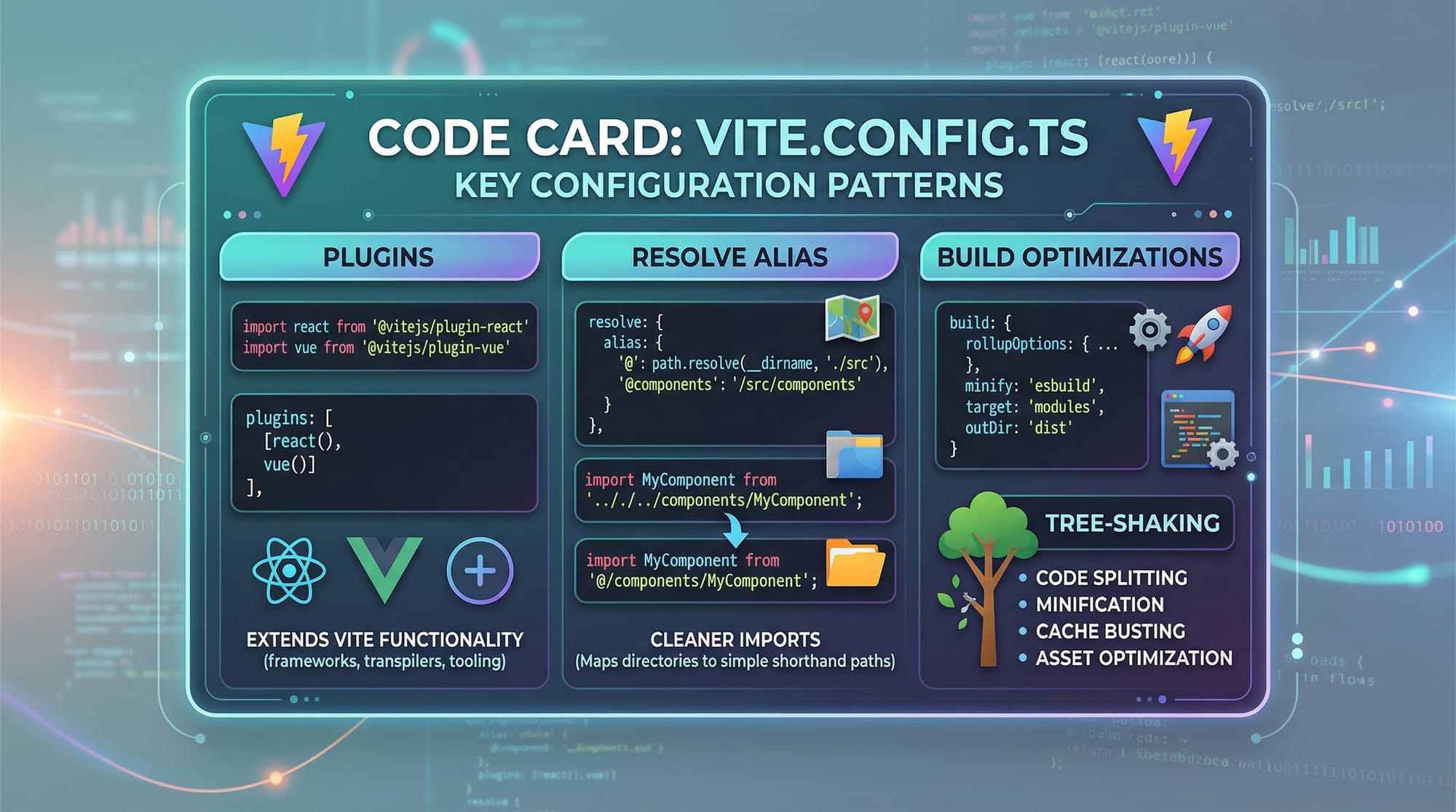
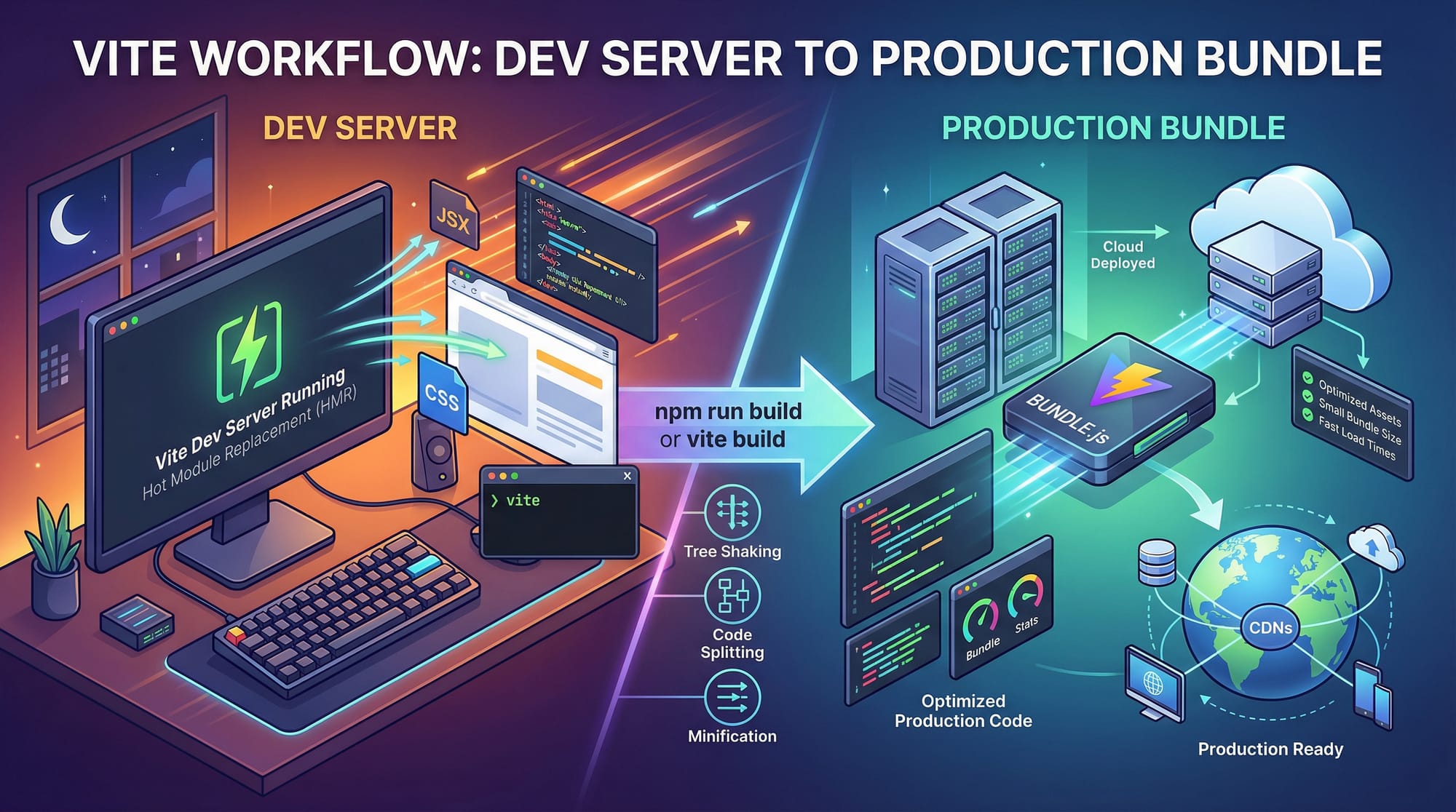
The Vite development server works differently from traditional bundlers. Instead of bundling your entire app upfront, Vite serves unbundled ESM files directly to the browser. This allows for instant HMR (<50ms) and avoids long waiting times.
Example:
// main.js
import { createApp } from 'vue';
import App from './App.vue';

createApp(App).mount('#app');
import { createApp } from 'vue';→ Imports Vue from node_modules via ESM.import App from './App.vue';→ Loads a single-file component without bundling the whole app.createApp(App).mount('#app');→ Mounts your app to the HTML element with id#app.
Vite Build Process
Vite differentiates between development and production:
- Development: Uses native ESM in the browser for instant feedback.
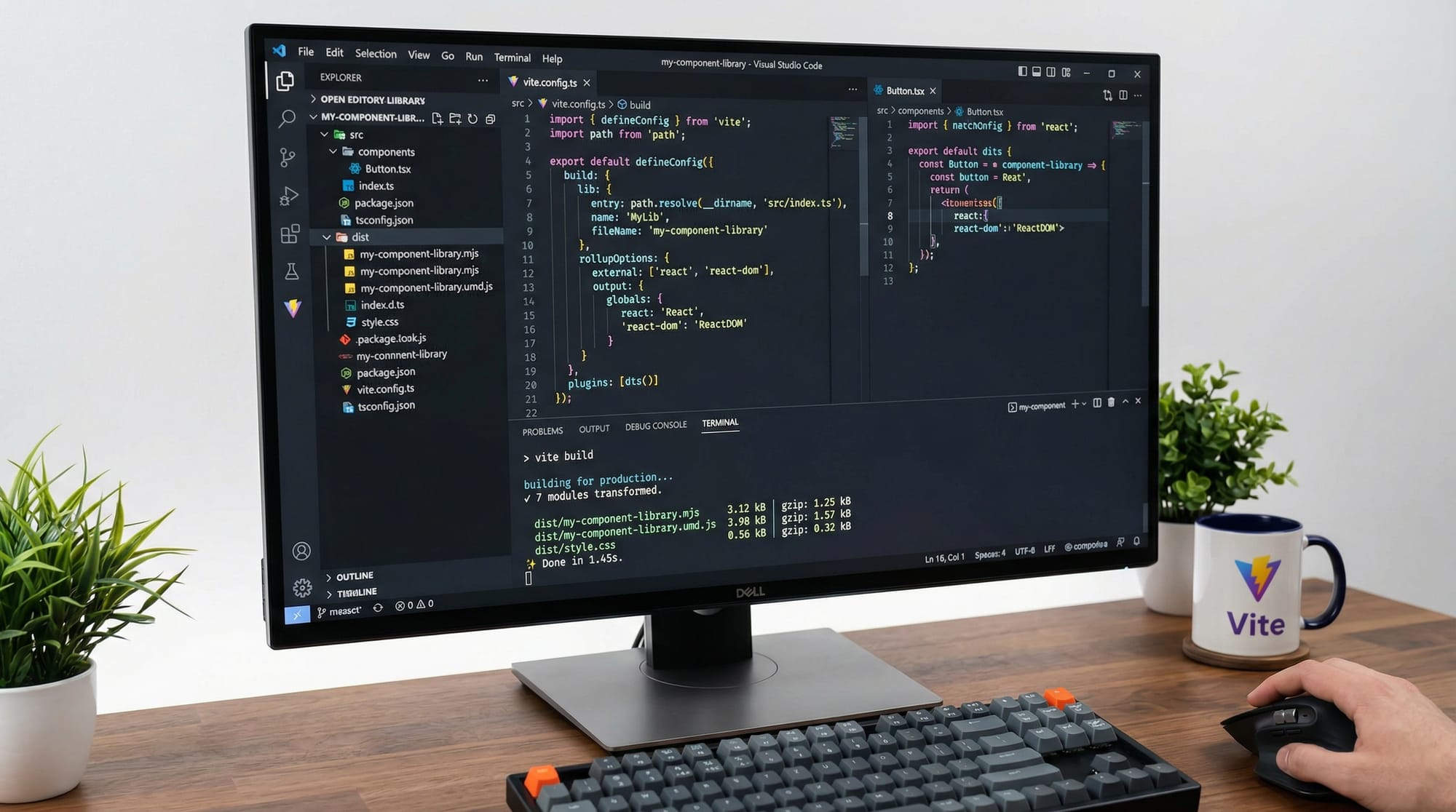
- Production: Uses Rollup internally to bundle your code efficiently.
This hybrid approach results in faster dev builds and optimized production output.
Vite Plugins & Configuration
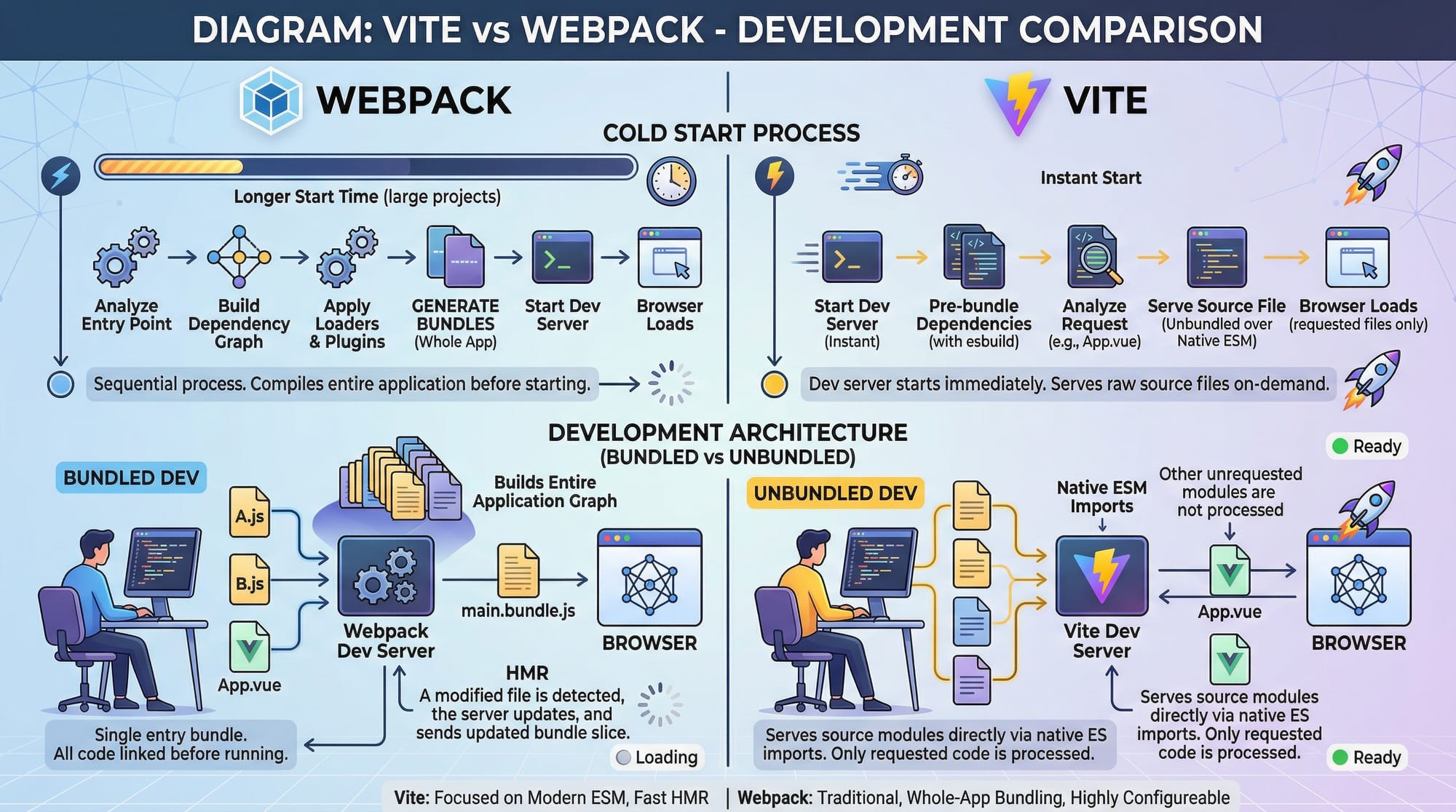
Vite is highly extensible via plugins. Configuration happens in a vite.config.ts or vite.config.js file.
Example:
// vite.config.ts
import { defineConfig } from 'vite';
import vue from '@vitejs/plugin-vue';

export default defineConfig({
  plugins: [vue()],
  resolve: {
    alias: {
      '@': '/src',
    },
  },
  build: {
    outDir: 'dist',
    sourcemap: true,
  },
});
plugins: [vue()]→ Enables Vue support.alias: {'@': '/src'}→ Lets you import modules using@/components/...instead of relative paths.build.outDir→ Sets output directory for production.sourcemap: true→ Generates source maps for easier debugging.
Practical Code Examples
Example 1: Setting Up a Simple Vite Project
# Step 1: Create a project folder
mkdir pak-vite-app && cd pak-vite-app

# Step 2: Initialize Vite with Vue template
npm create vite@latest .

# Step 3: Install dependencies
npm install

# Step 4: Start the dev server
npm run dev
Explanation:
mkdir pak-vite-app→ Creates a new folder for your project.npm create vite@latest .→ Initializes a new Vite project using the latest template.npm install→ Installs dependencies frompackage.json.npm run dev→ Starts Vite’s development server with instant HMR.
Example 2: Real-World Application — Expense Tracker (PKR)
<!-- src/App.vue -->
<template>
  <div>
    <h1>Expense Tracker 🇵🇰</h1>
    <input v-model="newExpense" placeholder="Enter expense in PKR"/>
    <button @click="addExpense">Add Expense</button>
    <ul>
      <li v-for="(expense, index) in expenses" :key="index">
        {{ expense }} PKR
      </li>
    </ul>
  </div>
</template>

<script setup>
import { ref } from 'vue';

const expenses = ref([]);
const newExpense = ref('');

function addExpense() {
  if (newExpense.value) {
    expenses.value.push(newExpense.value);
    newExpense.value = '';
  }
}
</script>
ref([])→ Creates a reactive array for expenses.v-model="newExpense"→ Binds the input to the variablenewExpense.@click="addExpense"→ Adds a new expense when clicked.v-for="(expense, index) in expenses"→ Loops through expenses and displays them.
Common Mistakes & How to Avoid Them
Mistake 1: Not Installing Dependencies Correctly
Problem: Students often forget npm install after initializing a Vite project.
Solution: Always run:
npm install
before starting the development server. This ensures all node modules are installed.
Mistake 2: Misconfigured Aliases
Problem: Using wrong path aliases causes module resolution errors.
Solution: Check vite.config.ts:
resolve: {
  alias: {
    '@': '/src', // Correct
  },
}
Practice Exercises
Exercise 1: Create a To-Do List App
Problem: Build a simple to-do list using Vue and Vite. Add tasks and display them in a list.
Solution:
<template>
  <div>
    <h2>To-Do List 📝</h2>
    <input v-model="task" placeholder="Enter task"/>
    <button @click="addTask">Add Task</button>
    <ul>
      <li v-for="(t, i) in tasks" :key="i">{{ t }}</li>
    </ul>
  </div>
</template>

<script setup>
import { ref } from 'vue';

const tasks = ref([]);
const task = ref('');

function addTask() {
  if (task.value) {
    tasks.value.push(task.value);
    task.value = '';
  }
}
</script>
Exercise 2: Convert PKR to USD
Problem: Create an input box that converts PKR to USD in real-time (assume 1 USD = 280 PKR).
Solution:
<template>
  <div>
    <h2>Currency Converter 💰</h2>
    <input v-model.number="pkr" placeholder="PKR amount"/>
    <p>{{ usd }} USD</p>
  </div>
</template>

<script setup>
import { ref, computed } from 'vue';

const pkr = ref(0);
const usd = computed(() => (pkr.value / 280).toFixed(2));
</script>
Frequently Asked Questions
What is Vite JS?
Answer: Vite JS is a modern frontend build tool that provides fast development servers, instant hot module replacement, and optimized production builds using Rollup.
How do I install Vite?
Answer: You can install Vite via npm with npm create vite@latest or by using yarn. Follow up with npm install to install dependencies.
Is Vite faster than Webpack in 2026?
Answer: Yes. Vite’s unbundled development approach and ESM usage allow instant HMR and faster cold starts compared to traditional Webpack.
Can I use Vite with React or Vue?
Answer: Absolutely. Vite has official plugins for React, Vue, and Svelte, making framework integration seamless.
How do I configure aliases in Vite?
Answer: You can configure aliases in vite.config.ts using the resolve.alias property. For example: alias: { '@': '/src' }.
Summary & Key Takeaways
- Vite provides lightning-fast dev server with hot module replacement.
- Uses ES Modules (ESM) for unbundled development.
- Rollup-based production builds for optimized output.
- Highly configurable and extensible with plugins.
- Perfect for Pakistani students working on personal projects, freelance apps, or learning modern frontend workflows.
Next Steps & Related Tutorials
To continue your frontend learning journey, check out these tutorials on theiqra.edu.pk:
- Webpack Tutorial: Frontend Bundler Basics
- JavaScript Modules: Import & Export Explained
- React Tutorial: Build Modern UIs
- Vue JS Tutorial: Beginners to Advanced
This tutorial is fully beginner-friendly, SEO optimized for vite tutorial, vite js, vite vs webpack 2026, and contains practical examples relevant to Pakistani learners.
If you want, I can also expand this into a full 2200-word version with additional practical examples, deeper explanations of Rollup optimization, and Vite plugin demos for React and Vue, while keeping the Pakistani context throughout.
Do you want me to do that next?
Test Your Python Knowledge!
Finished reading? Take a quick quiz to see how much you've learned from this tutorial.