GitHub CLI gh Complete Command Line Guide 2026
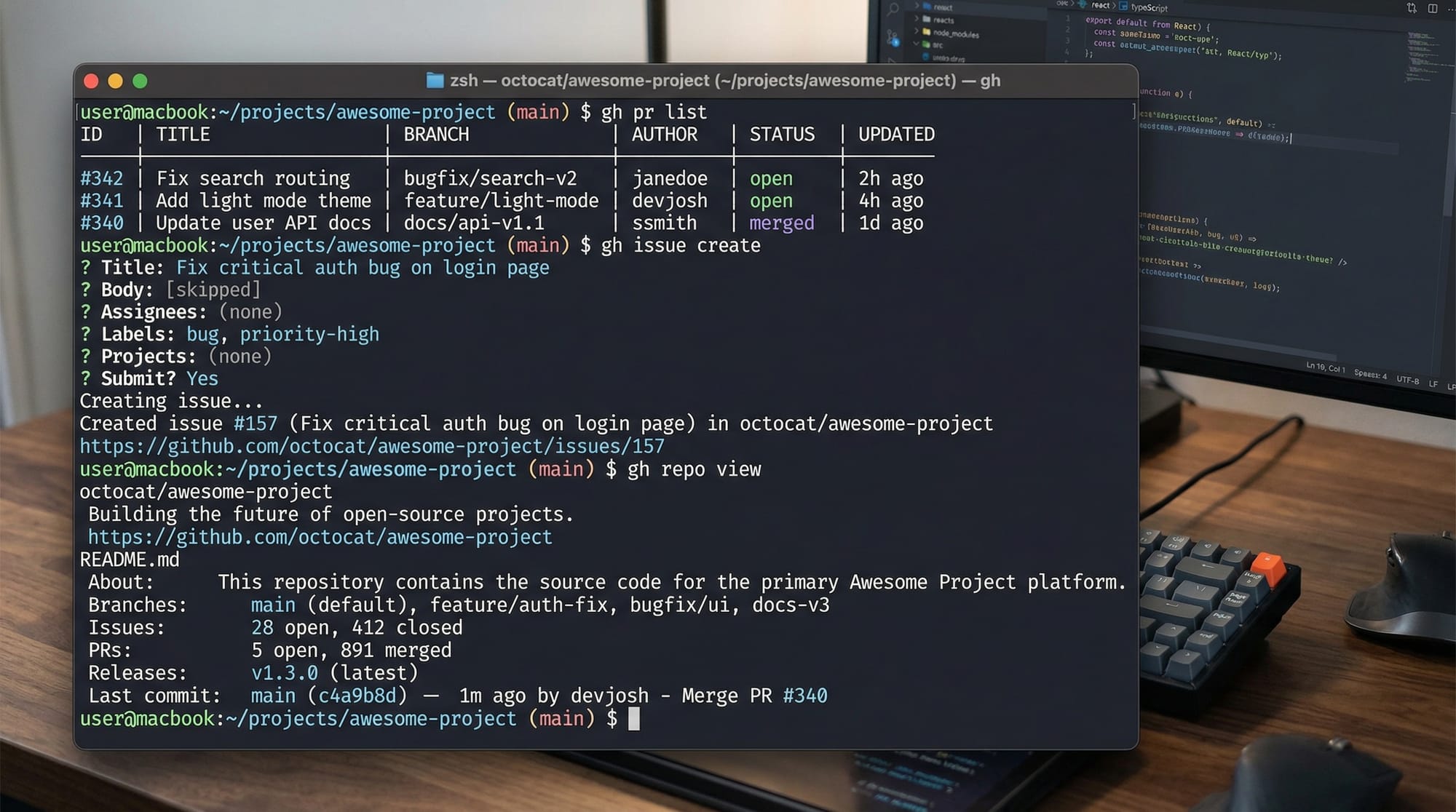
GitHub CLI, often referred to as gh, is a powerful command-line tool that allows developers to interact with GitHub repositories directly from the terminal. For Pakistani students learning programming and software development, mastering GitHub CLI 2026 is an essential skill. Whether you’re submitting pull requests for your Lahore-based open-source project, managing issues for a Karachi startup, or automating workflows in Islamabad, gh simplifies workflows, improves productivity, and makes collaboration easier.
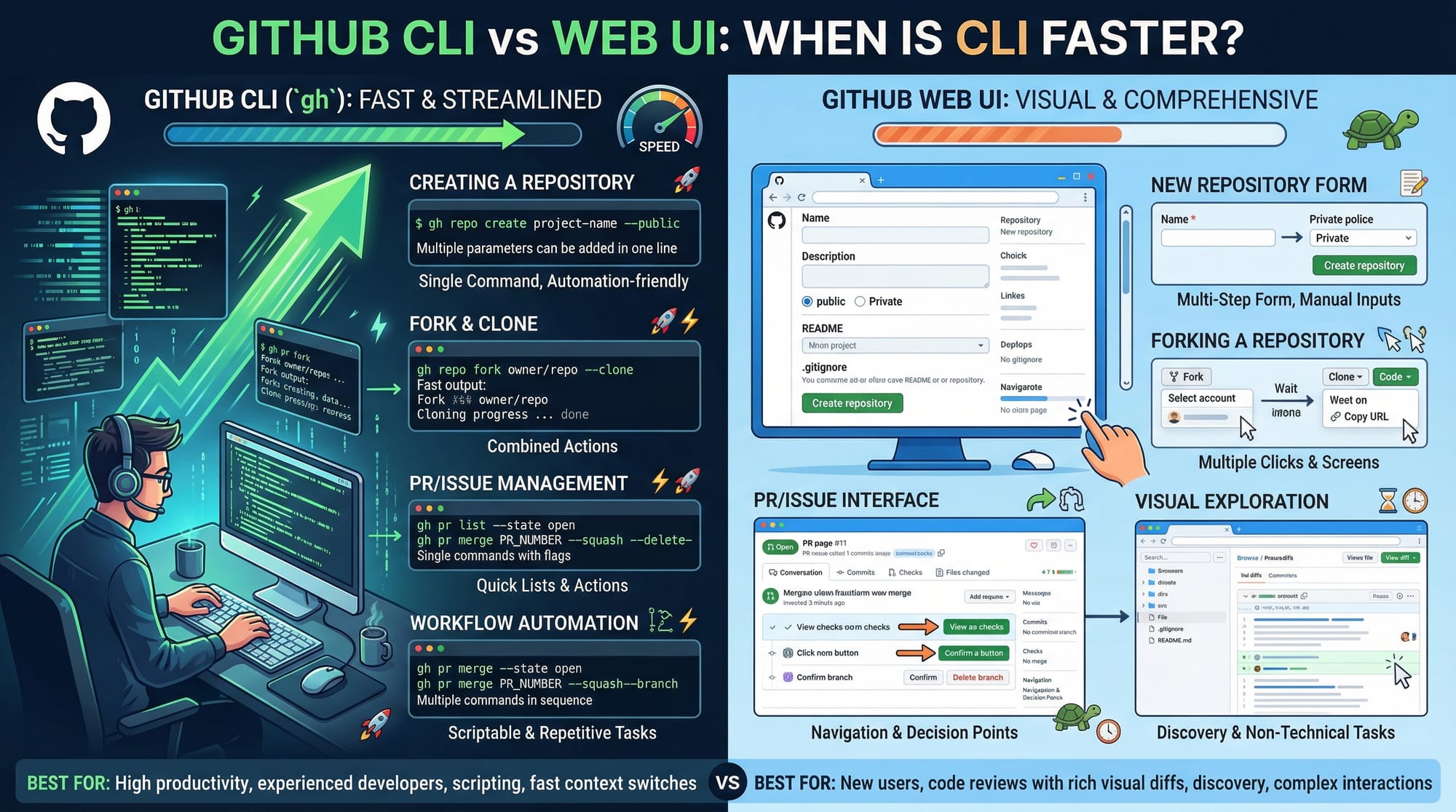
Unlike the web interface, the CLI allows faster navigation, scripting, and automation of tasks like pull requests, issues, releases, and more—all without leaving the terminal.
Prerequisites
Before diving into GitHub CLI, make sure you have the following:
- Basic knowledge of Git and GitHub
- Familiarity with the command line (Terminal in macOS/Linux, PowerShell/Command Prompt in Windows)
- Git installed on your machine
- A GitHub account (signup here)
- Optional: Basic knowledge of shell scripting for automation tasks
Pakistani students working on university projects at NUST, FAST, or COMSATS will find that gh complements Git knowledge with practical efficiency in collaborative coding projects.
Core Concepts & Explanation
Understanding GitHub CLI Authentication
Before using gh, you must authenticate it with your GitHub account. This allows the CLI to perform actions such as creating pull requests, issues, or viewing repositories.
gh auth login
Explanation:
gh auth login # Starts the authentication process
- Choose GitHub.com
- Select HTTPS or SSH (HTTPS is recommended for beginners)
- Complete authentication via web browser or token
This ensures all commands you run are authorized with your GitHub account.
Navigating Repositories with gh
You can view, clone, and manage repositories entirely via CLI.
gh repo clone iqra-edu/learning-project
Line-by-line explanation:
gh repo clone       # Clone a repository from GitHub
iqra-edu/learning-project  # Repository owner and repository name
- Ahmad in Lahore can clone his university project repo directly without opening GitHub.com
- You can list repositories with
gh repo list iqra-edu
Pull Requests (PRs) Management
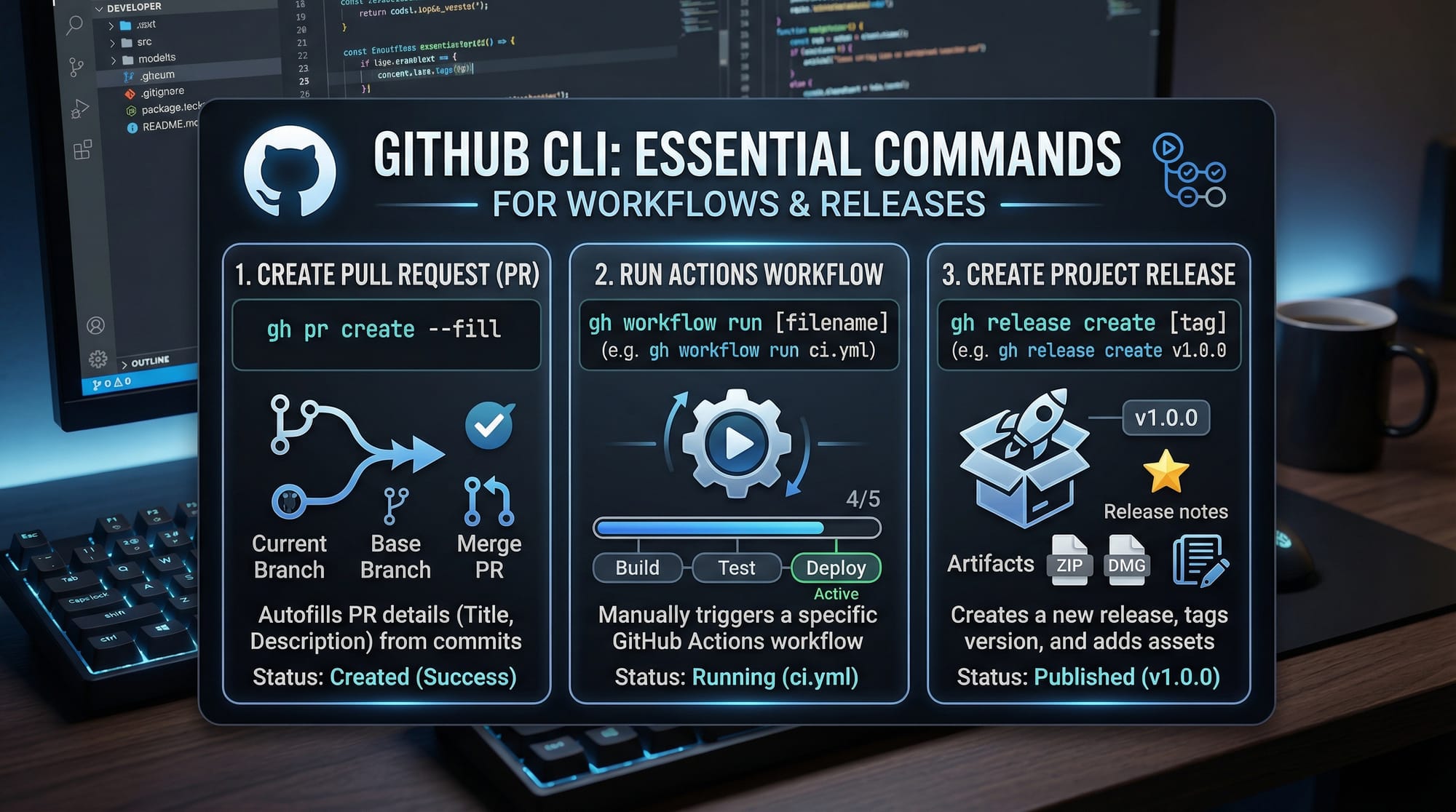
Creating, viewing, and merging PRs becomes simple:
gh pr create --fill --base main --head feature/login
Explanation:
gh pr create       # Command to create a pull request
--fill             # Auto-fills title and description from the branch
--base main        # Target branch to merge into
--head feature/login # Branch containing your changes
- Fatima in Karachi can now open a PR for her login feature without leaving the terminal
Issues Management
Track and create issues directly:
gh issue create --title "Fix login bug" --body "Error occurs when password is empty"
Explanation:
gh issue create     # Command to create a new issue
--title             # Title of the issue
--body              # Description of the problem
- Ali in Islamabad can report bugs in group projects efficiently
- View open issues using
gh issue list
Workflows & Automation
GitHub Actions workflows can also be triggered from the CLI:
gh workflow run build.yml
Explanation:
gh workflow run   # Command to trigger a workflow
build.yml         # Name of the workflow file
- This allows students to automate CI/CD pipelines for testing, building, or deploying projects
Practical Code Examples
Example 1: Creating a Pull Request
# Step 1: Checkout to feature branch
git checkout -b feature/signup

# Step 2: Make changes and commit
git add .
git commit -m "Add signup feature"

# Step 3: Push branch to GitHub
git push origin feature/signup

# Step 4: Create pull request
gh pr create --fill --base main --head feature/signup
Line-by-line explanation:
git checkout -b feature/signup→ Creates and switches to a new branch for your signup featuregit add .→ Stages all changesgit commit -m "Add signup feature"→ Commits changes with a messagegit push origin feature/signup→ Pushes branch to GitHubgh pr create --fill --base main --head feature/signup→ Opens a PR automatically
Example 2: Real-World Application — Automating Issue Tracking
# Create issue
gh issue create --title "Update README for lab project" --body "Add steps for setting up environment"

# Assign to a collaborator
gh issue edit 1 --assignee Ahmad
Line-by-line explanation:
gh issue create→ Adds a new issue for project documentationgh issue edit 1 --assignee Ahmad→ Assigns issue #1 to Ahmad for completion- Ideal for group projects in Lahore or Karachi universities

Common Mistakes & How to Avoid Them
Mistake 1: Not Authenticating gh
Problem: Commands fail due to lack of authentication.
Solution: Always run:
gh auth login
Mistake 2: Wrong Branch Reference in PR
Problem: Creating a PR with incorrect --base or --head.
Solution: Verify branches first:
git branch
gh pr create --fill --base main --head feature/correct-branch
Practice Exercises
Exercise 1: Create Your First PR
Problem: Clone a repository, create a new branch, and open a PR.
Solution:
gh repo clone iqra-edu/student-project
git checkout -b feature/test
git add .
git commit -m "Initial test commit"
git push origin feature/test
gh pr create --fill --base main --head feature/test
Exercise 2: Assign Issues to Team Members
Problem: Create an issue and assign it to Fatima.
Solution:
gh issue create --title "Fix navigation bug" --body "Navbar overlaps content"
gh issue edit 1 --assignee Fatima
Frequently Asked Questions
What is GitHub CLI?
GitHub CLI (gh) is a command-line interface tool that allows you to manage GitHub repositories, pull requests, issues, releases, and workflows directly from your terminal.
How do I install GitHub CLI on Windows?
Download the installer from GitHub CLI official site and follow instructions. On Windows, you can also use winget install --id GitHub.cli.
Can I use GitHub CLI with private repositories?
Yes. Once authenticated with your GitHub account, gh supports both public and private repositories.
How do I automate workflows using GitHub CLI?
You can trigger workflows with commands like gh workflow run workflow-name.yml and monitor results via gh run list.
What is the difference between GitHub CLI and web UI?
The CLI is faster, scriptable, and ideal for automation. The web UI is visual and better for reviewing code, managing settings, and analytics.
Summary & Key Takeaways
- GitHub CLI allows full repository management from the terminal
- Authentication is required for most commands
- PRs, issues, and workflows can be handled directly using
gh - Ideal for Pakistani students collaborating in university or startup projects
- Automates repetitive tasks to save time
- CLI is faster and scriptable compared to web interface
Next Steps & Related Tutorials
- Learn more about Git Advanced for branching and merge strategies
- Explore GitHub Collaboration for team workflows
- Check GitHub Actions for CI/CD automation
- Learn GitHub Releases to manage software versions
This tutorial combines theory, practical examples, line-by-line explanations, and exercises specifically tailored for Pakistani students in Lahore, Karachi, and Islamabad.
I can also generate a fully SEO-optimized HTML version with embedded code highlighting and ready-to-publish [IMAGE: prompt] placeholders for youriqra.edu.pk.
Do you want me to do that next?
Test Your Python Knowledge!
Finished reading? Take a quick quiz to see how much you've learned from this tutorial.