Kotlin Tutorial for Android Developers 2026
Introduction
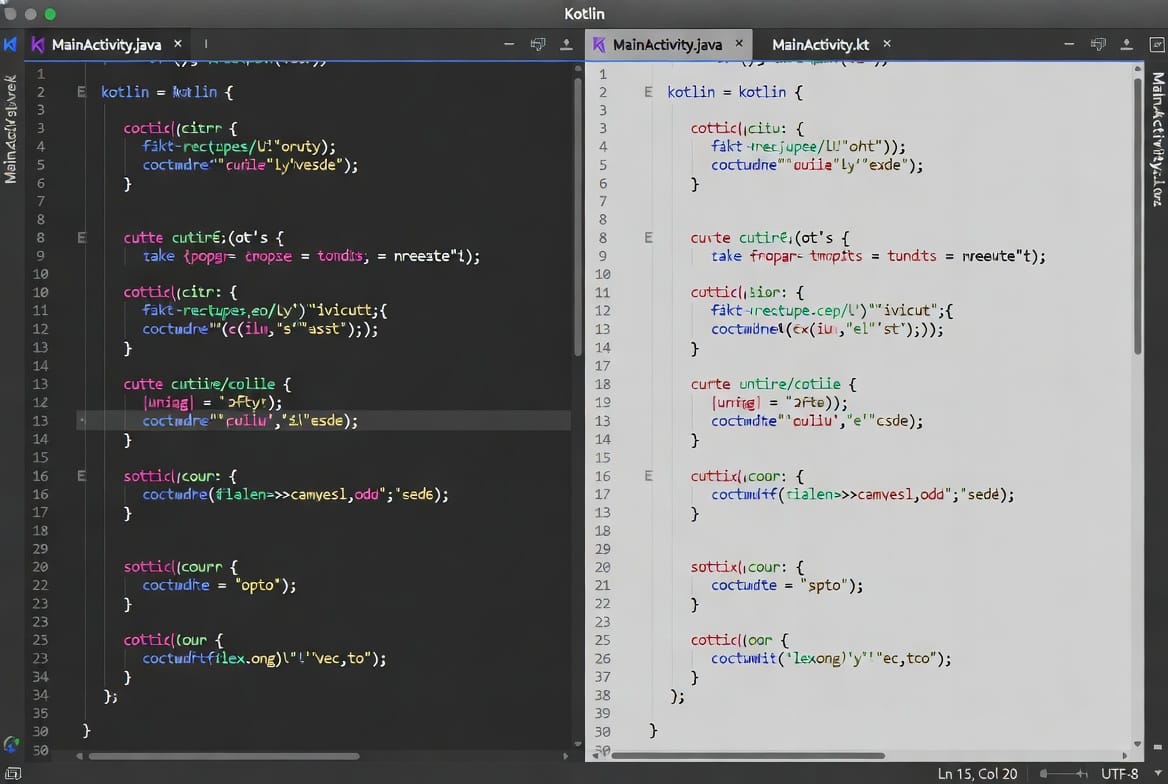
Android development has evolved significantly over the past decade, and today Kotlin is the official programming language recommended for Android apps. In this Kotlin Tutorial for Android Developers 2026, you will learn the fundamentals of Kotlin and how it helps developers build modern Android applications faster and with fewer bugs.
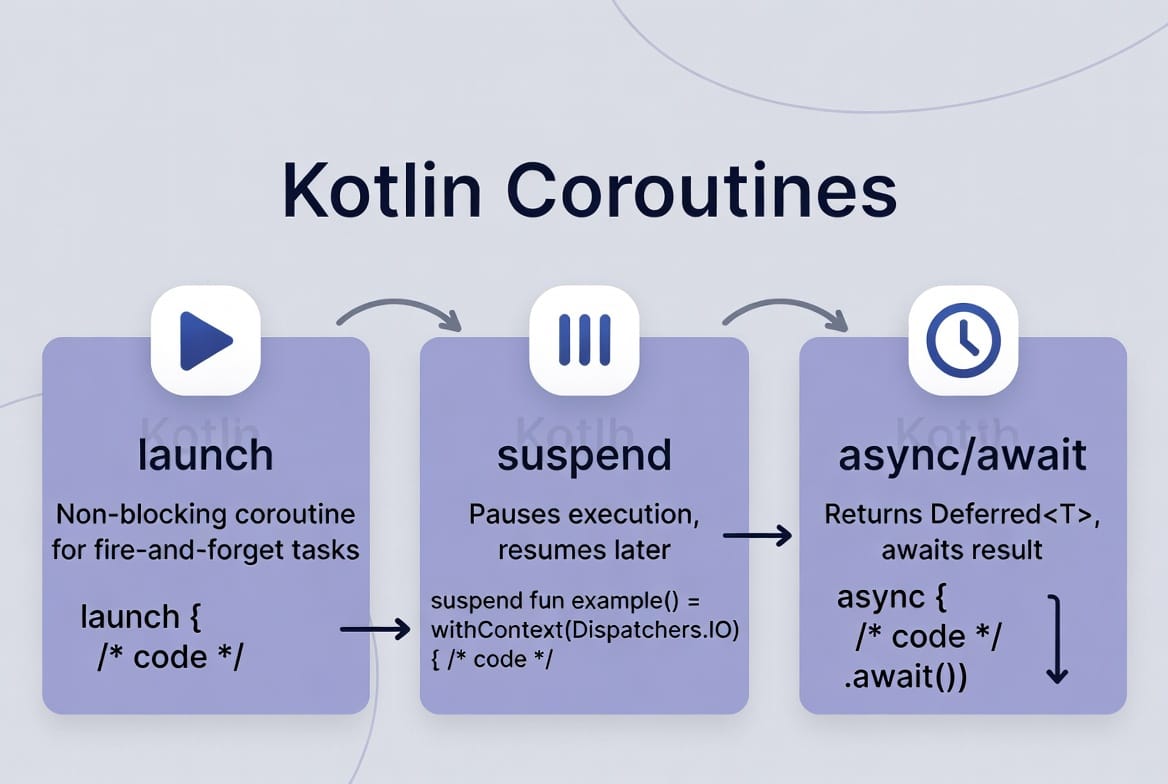
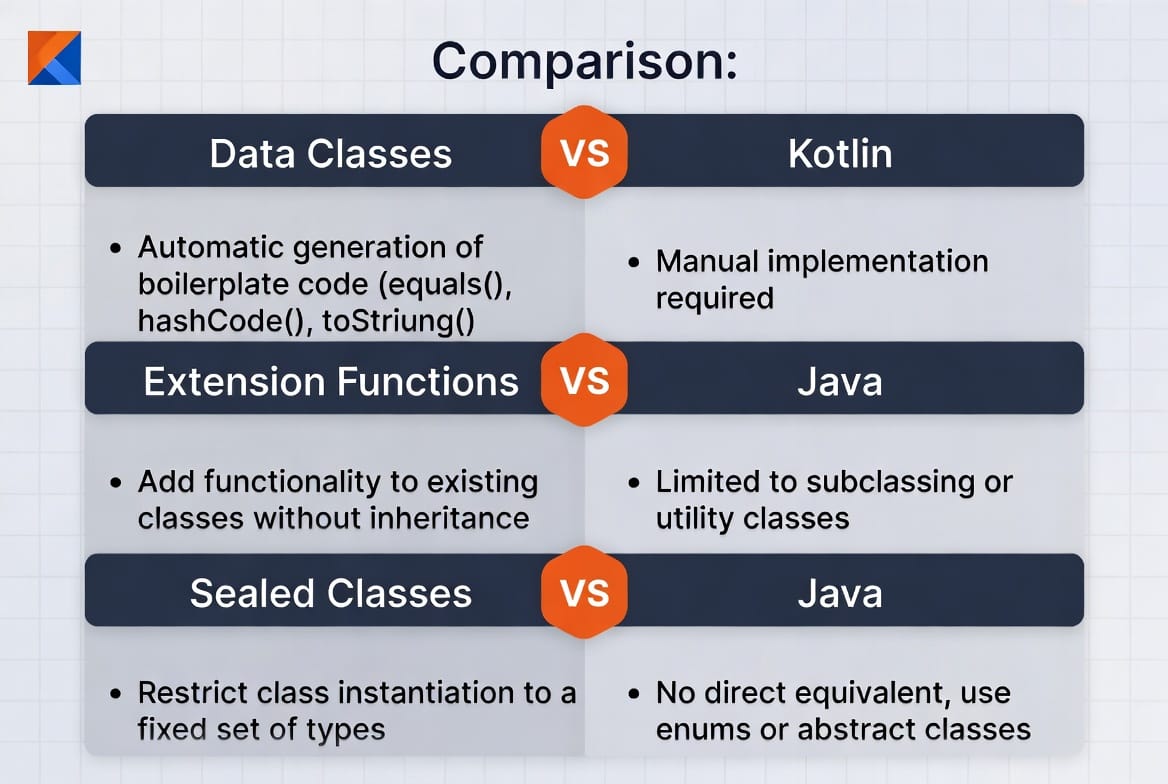
Kotlin is a modern, expressive, and concise programming language created by JetBrains and officially supported by Google for Android development. Compared to Java, Kotlin reduces boilerplate code, improves readability, and provides powerful features like null safety, coroutines, extension functions, and data classes.
For Pakistani students studying programming in cities like Lahore, Karachi, and Islamabad, learning Kotlin opens doors to exciting career opportunities. Android development is one of the most in-demand skills in Pakistan’s software industry, and many startups and software houses now prefer Kotlin for building mobile applications.
This kotlin tutorial is designed specifically for beginner developers who want to start Android development in 2026. By the end of this guide, you will understand Kotlin basics, practical Android coding patterns, and common mistakes beginners make.
Prerequisites
Before starting this kotlin for beginners tutorial, you should have a few basic programming concepts in mind. You don’t need to be an expert, but these fundamentals will help you learn faster.
Recommended prerequisites:
- Basic understanding of programming concepts
- Familiarity with variables and data types
- Basic knowledge of control structures (if statements, loops)
- Basic understanding of object-oriented programming
- Installed Android Studio (latest version for 2026)
Optional but helpful:
- Basic Java programming knowledge
- Familiarity with Android Studio interface
If you already completed a Java tutorial, learning Kotlin will be much easier because many concepts are similar.
Core Concepts & Explanation
Variables and Data Types in Kotlin
In Kotlin, variables are declared using the keywords val and var.
- val → immutable variable (cannot change)
- var → mutable variable (can change)
Example:
val name: String = "Ahmad"
var age: Int = 21
Explanation:
val name: String = "Ahmad"valdeclares a constant variable.nameis the variable name.Stringis the data type."Ahmad"is the assigned value.
var age: Int = 21vardeclares a mutable variable.agecan be changed later in the program.Intrepresents an integer number.
Example modification:
age = 22
Explanation:
- Because
agewas declared with var, its value can be updated.
Common Kotlin data types include:
IntDoubleFloatStringBoolean
Functions and Control Flow
Functions help organize code and reuse logic.
Example:
fun greetUser(name: String) {
    println("Welcome to Kotlin, $name")
}
Line-by-line explanation:
fun- Keyword used to declare a function.
greetUser- Name of the function.
(name: String)- Parameter named
nameof typeString.
- Parameter named
println("Welcome to Kotlin, $name")- Prints a message to the console.
Function call example:
greetUser("Fatima")
Output:
Welcome to Kotlin, Fatima
Kotlin Null Safety (Avoiding NullPointerException)
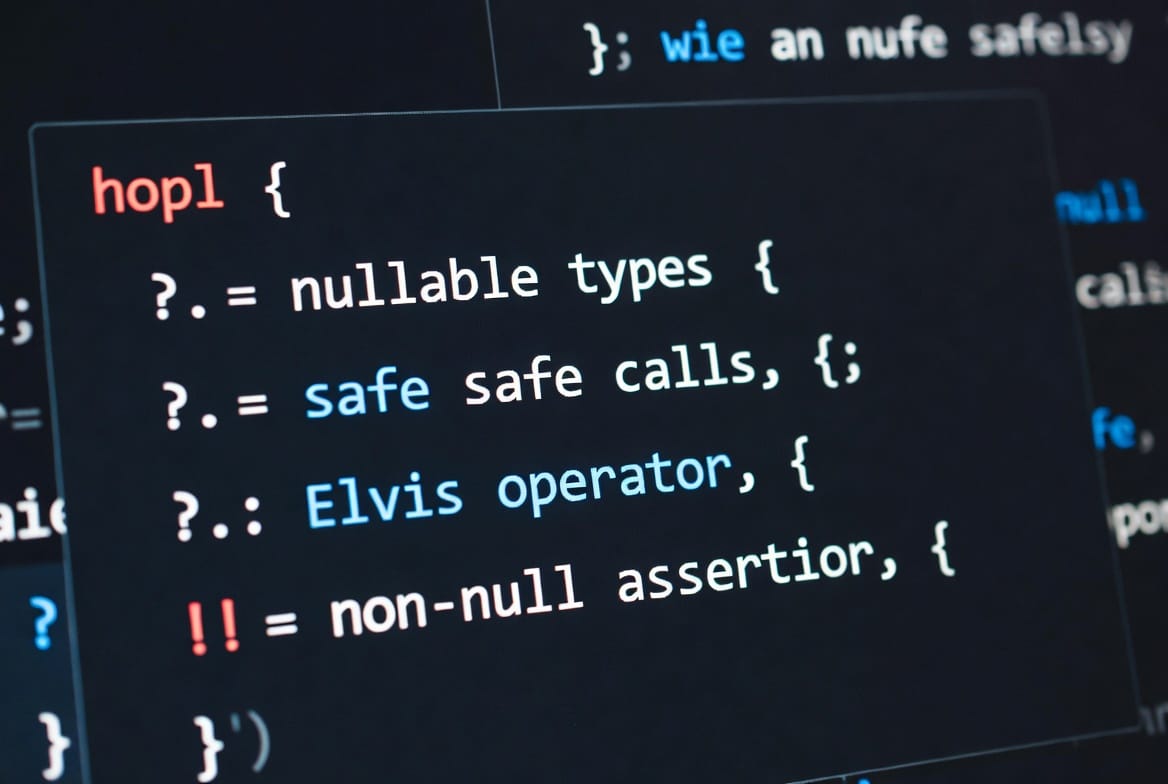
One of Kotlin’s most powerful features is null safety, which helps prevent crashes caused by null values.
Example:
var username: String? = null
Explanation:
String?- The
?indicates the variable can contain null.
- The
Example safe call:
println(username?.length)
Explanation:
?.is the safe call operator.- If
usernameis null, the program will not crash.
Elvis operator example:
val length = username?.length ?: 0
Explanation:
?:is the Elvis operator.- If
usernameis null,lengthbecomes0.
Practical Code Examples
Example 1: Simple Android Login Validation
Imagine Ali from Lahore is building a simple Android login screen.
fun validateLogin(username: String, password: String): Boolean {

    if (username.isEmpty()) {
        println("Username cannot be empty")
        return false
    }

    if (password.length < 6) {
        println("Password must be at least 6 characters")
        return false
    }

    return true
}
Line-by-line explanation:
fun validateLogin(username: String, password: String): Boolean- Function named
validateLogin. - Takes
usernameandpasswordas parameters. - Returns a Boolean value.
- Function named
if (username.isEmpty())- Checks if the username field is empty.
println("Username cannot be empty")- Displays an error message.
return false- Stops the function and returns false.
if (password.length < 6)- Ensures password has at least 6 characters.
return true- Login data is valid.
Example 2: Real-World Application – PKR Currency Converter
Let’s create a simple function converting USD to PKR.
fun convertToPKR(usd: Double): Double {

    val exchangeRate = 278.5
    val pkr = usd * exchangeRate

    return pkr
}
Explanation:
fun convertToPKR(usd: Double): Double- Function converts USD to Pakistani Rupees.
val exchangeRate = 278.5- Current approximate exchange rate.
val pkr = usd * exchangeRate- Converts USD to PKR.
return pkr- Returns the calculated value.
Example call:
val amount = convertToPKR(10.0)
println("Amount in PKR: $amount")
Output:
Amount in PKR: 2785
Common Mistakes & How to Avoid Them
Mistake 1: Using var Instead of val
Many beginners use var everywhere.
Bad example:
var name = "Ahmad"
Better example:
val name = "Ahmad"
Explanation:
- Use val by default.
- Use var only when value must change.
This improves code safety and readability.
Mistake 2: Ignoring Null Safety
Bad example:
var email: String? = null
println(email.length)
Problem:
- This will cause a crash.
Correct example:
println(email?.length)
Explanation:
- Safe call operator prevents crashes.
Practice Exercises
Exercise 1: Calculate Student Average
Problem:
Write a Kotlin function that calculates the average marks of a student.
Example marks: 80, 75, 90.
Solution:
fun calculateAverage(a: Int, b: Int, c: Int): Double {

    val total = a + b + c
    val average = total / 3.0

    return average
}
Explanation:
- Function accepts three marks.
- Adds them together.
- Divides by 3.
- Returns the average.
Example:
val avg = calculateAverage(80, 75, 90)
println(avg)
Exercise 2: Check Voting Eligibility
Problem:
Write a function that checks if a person can vote in Pakistan (age ≥ 18).
Solution:
fun canVote(age: Int): Boolean {

    if (age >= 18) {
        return true
    }

    return false
}
Explanation:
- Function accepts
age. - Checks if age is greater than or equal to 18.
- Returns true if eligible.
Example:
println(canVote(20))
Output:
true
Frequently Asked Questions
What is Kotlin used for in Android development?
Kotlin is used to build Android applications with cleaner and safer code. It reduces boilerplate code compared to Java and provides modern features like null safety and coroutines.
Is Kotlin better than Java for Android?
Yes, Kotlin is generally considered better for Android development because it is more concise, safer, and officially recommended by Google.
Can beginners learn Kotlin easily?
Yes. Kotlin is beginner-friendly and easier to read than many other programming languages. Students who understand basic programming can start learning Kotlin quickly.
Do Pakistani companies use Kotlin?
Yes. Many software houses in Karachi, Lahore, and Islamabad now use Kotlin for Android projects because it improves development speed and code quality.
Do I need Java before learning Kotlin?
No, but knowing Java can help you understand Android development concepts faster. However, many beginners now start directly with Kotlin.
Summary & Key Takeaways
- Kotlin is the official Android programming language recommended by Google.
- It reduces boilerplate code compared to Java.
- Kotlin provides powerful features like null safety and coroutines.
- Beginners can learn Kotlin quickly with basic programming knowledge.
- Android developers in Pakistan increasingly prefer Kotlin for modern apps.
- Practicing with small projects helps build real Android development skills.
Next Steps & Related Tutorials
To continue learning Android development, explore these tutorials on theiqra.edu.pk:
- Learn Android app development with the Android Development Tutorial
- Strengthen your programming foundation with the Java Tutorial
- Understand concurrency with the Kotlin Coroutines Guide
- Build your first mobile app in the Android Studio Beginner Guide
These tutorials will help you move from Kotlin basics to building real Android apps used by thousands of users.
Test Your Python Knowledge!
Finished reading? Take a quick quiz to see how much you've learned from this tutorial.