Multi Factor Authentication MFA TOTP & WebAuthn Implementation
Introduction
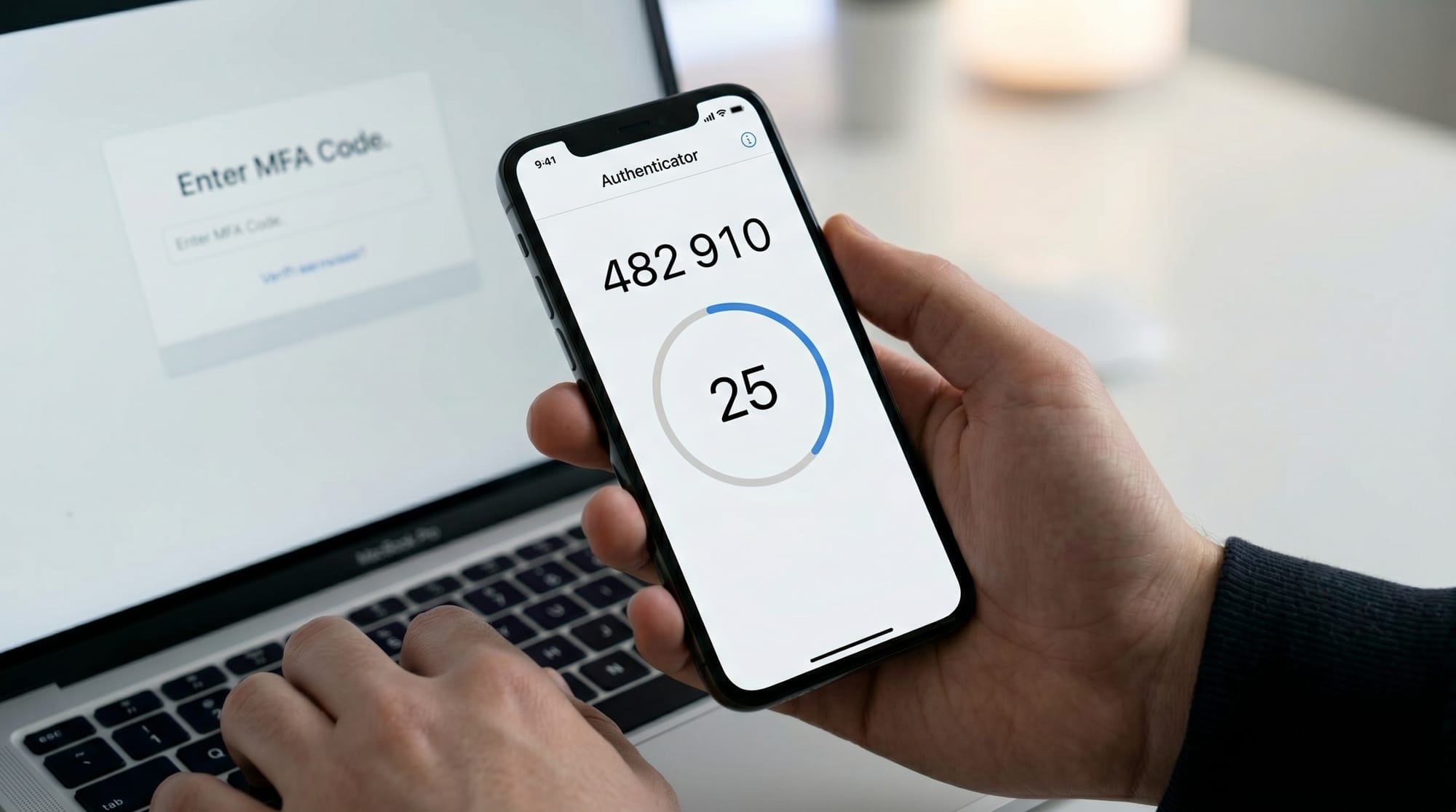
Multi-Factor Authentication (MFA) is a security technique that requires users to verify their identity using more than one method before accessing a system. In modern web development, MFA: TOTP & WebAuthn implementation has become a standard approach to protect user accounts from unauthorized access, phishing attacks, and password leaks.
For Pakistani students learning backend development, cybersecurity, or full-stack engineering, understanding MFA is essential. Whether you're building a university project at theiqra.edu.pk, a freelancing application for clients in Lahore or Karachi, or a startup product in Islamabad, secure authentication is a must-have feature.
In simple terms:
- Password = something you know
- TOTP / Authenticator code = something you have
- WebAuthn (biometrics/security key) = something you are
Together, they create strong multi factor authentication (MFA) systems used by Google, GitHub, and banking apps in Pakistan.
Prerequisites
Before starting this mfa tutorial, you should be familiar with:
- Basic JavaScript or Node.js programming
- Express.js framework fundamentals
- REST API concepts
- Basic understanding of HTTP requests and responses
- JSON handling
- Basic cryptography concepts (helpful but not required)
Optional but helpful:
- Experience with frontend forms (React or plain HTML)
- Basic knowledge of HTTPS and cookies
- Understanding of authentication systems (JWT or sessions)
If you are a student from Lahore University or learning independently in Pakistan, you can still follow along step by step.
Core Concepts & Explanation
What is Multi-Factor Authentication (MFA)?
Multi-Factor Authentication (MFA) is a security system where users must verify identity using at least two factors.
Example in real life:
- ATM card (something you have)
- PIN code (something you know)
In web applications:
- Password (something you know)
- OTP/TOTP or WebAuthn (something you have or are)
MFA significantly reduces risks of:
- Password theft
- Credential stuffing attacks
- Phishing attempts
What is TOTP (Time-Based One-Time Password)?
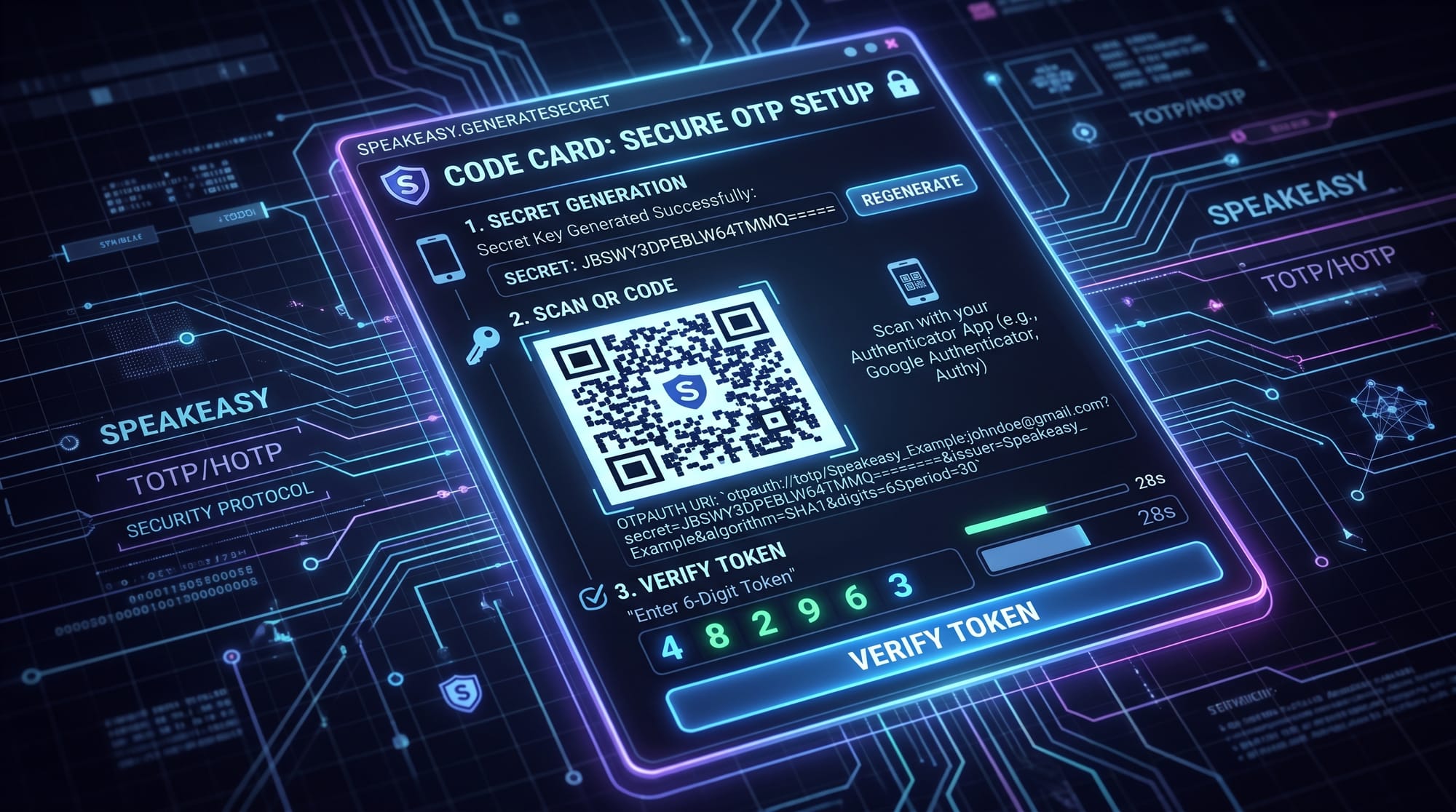
TOTP is a temporary 6-digit code generated by apps like:
- Google Authenticator
- Microsoft Authenticator
- Authy
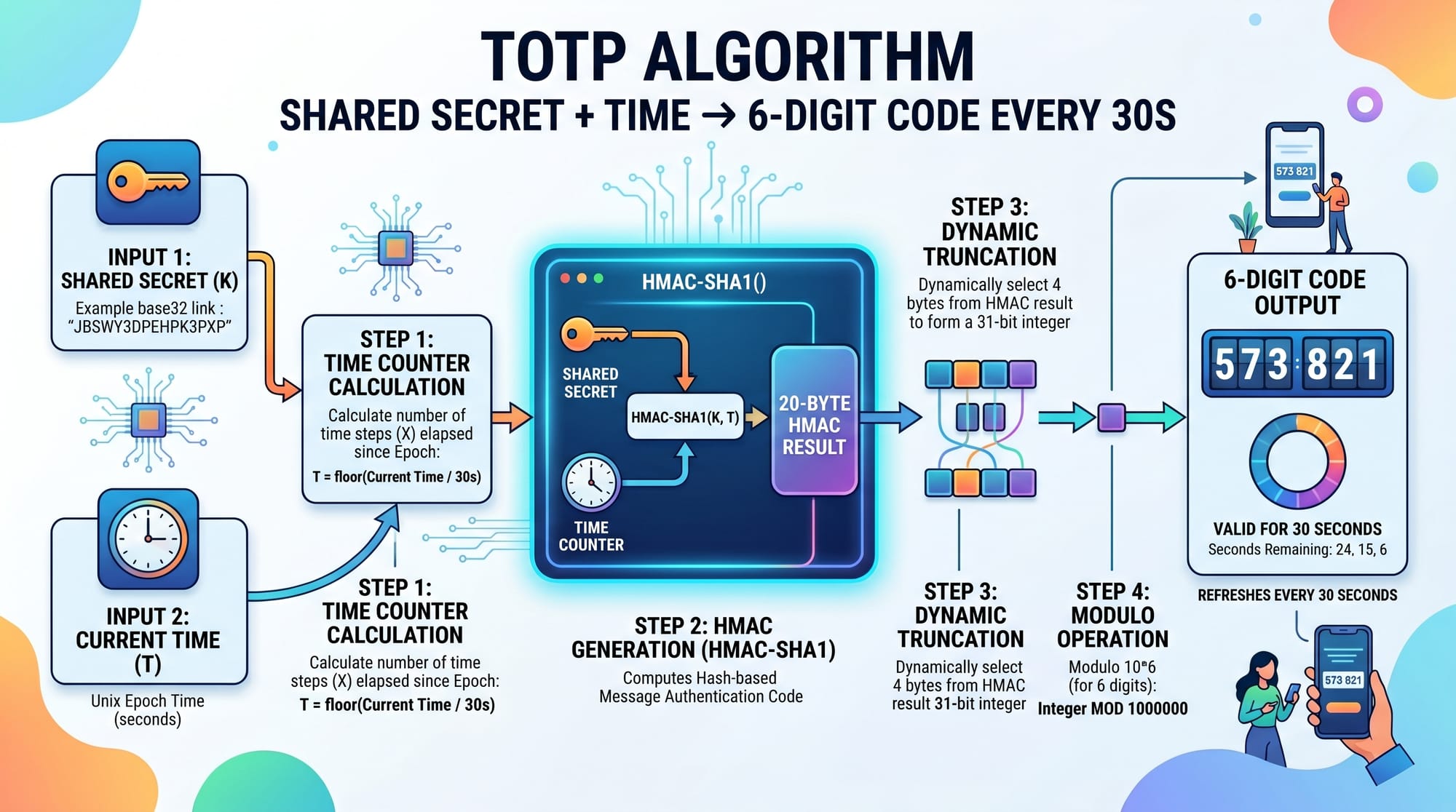
It works using:
- A shared secret key between server and user
- Current system time
- A hashing algorithm (HMAC-SHA1)
The code changes every 30 seconds.
Example:
- 10:00: 123456
- 10:00:30: 789012
- 10:01:00: 345678
This makes it very secure for login verification.
What is WebAuthn (Passwordless Authentication)?
WebAuthn is a modern authentication standard that allows users to log in using:
- Fingerprint (Touch ID)
- Face recognition (Face ID)
- Hardware security keys (YubiKey)
Instead of passwords, it uses public-key cryptography.
Benefits:
- Resistant to phishing
- No password storage required
- Very strong security
Many modern systems in fintech and banking (including experimental Pakistani fintech apps) are starting to adopt WebAuthn.
Practical Code Examples
Example 1: TOTP Implementation using Node.js
We will implement TOTP authentication using speakeasy in Node.js.
Install dependencies:
npm install speakeasy qrcode express
Now create server.js:
const express = require("express");
const speakeasy = require("speakeasy");
const QRCode = require("qrcode");

const app = express();
app.use(express.json());

// Step 1: Generate Secret
app.get("/generate-secret", (req, res) => {
  const secret = speakeasy.generateSecret({
    name: "IqraEdu MFA Demo (Ali - Karachi)"
  });

  QRCode.toDataURL(secret.otpauth_url, (err, data_url) => {
    res.json({
      secret: secret.base32,
      qrCode: data_url
    });
  });
});
Line-by-line explanation:
express()→ creates web serverspeakeasy.generateSecret()→ creates shared secret for TOTPname→ label shown in authenticator app (e.g., Ali from Karachi)QRCode.toDataURL()→ converts OTP URL into QR imageres.json()→ sends secret + QR code to frontend
Now verify TOTP code:
app.post("/verify-token", (req, res) => {
  const { token, secret } = req.body;

  const verified = speakeasy.totp.verify({
    secret: secret,
    encoding: "base32",
    token: token,
    window: 1
  });

  if (verified) {
    res.json({ success: true, message: "Login successful" });
  } else {
    res.json({ success: false, message: "Invalid token" });
  }
});

app.listen(3000, () => console.log("Server running on port 3000"));
Line-by-line explanation:
req.body.token→ user-entered 6-digit codesecret→ shared key stored during registrationtotp.verify()→ checks if code is validwindow: 1→ allows slight time mismatch (30–60 sec tolerance)- response → success or failure message
Example 2: Real-World WebAuthn Implementation
Now let's implement a simplified WebAuthn login flow using @simplewebauthn/server.
Install:
npm install @simplewebauthn/server express
Registration (Start)
const { generateRegistrationOptions } = require("@simplewebauthn/server");

app.get("/webauthn/register", (req, res) => {
  const options = generateRegistrationOptions({
    rpName: "Iqra Edu MFA System",
    userID: "12345",
    userName: "Fatima (Islamabad)"
  });

  res.json(options);
});
Explanation:
rpName→ name of your websiteuserID→ unique user identifieruserName→ displayed user identitygenerateRegistrationOptions()→ creates public-key challenge
Authentication Step
const { verifyAuthenticationResponse } = require("@simplewebauthn/server");

app.post("/webauthn/verify", async (req, res) => {
  const { credential } = req.body;

  const result = await verifyAuthenticationResponse({
    response: credential,
    expectedChallenge: "stored-challenge",
    expectedOrigin: "http://localhost:3000",
    expectedRPID: "localhost"
  });

  res.json({ verified: result.verified });
});
Explanation:
credential→ response from browser authenticatorexpectedChallenge→ prevents replay attacksexpectedOrigin→ ensures request comes from trusted siteverified→ final authentication result
Common Mistakes & How to Avoid Them
Mistake 1: Ignoring Clock Drift in TOTP
Many beginners in Pakistan forget that system clocks may not be perfectly synced.
Problem:
- User enters correct code but verification fails
Fix:
window: 1
This allows ±30 seconds tolerance.
Always ensure server time is synced using NTP.
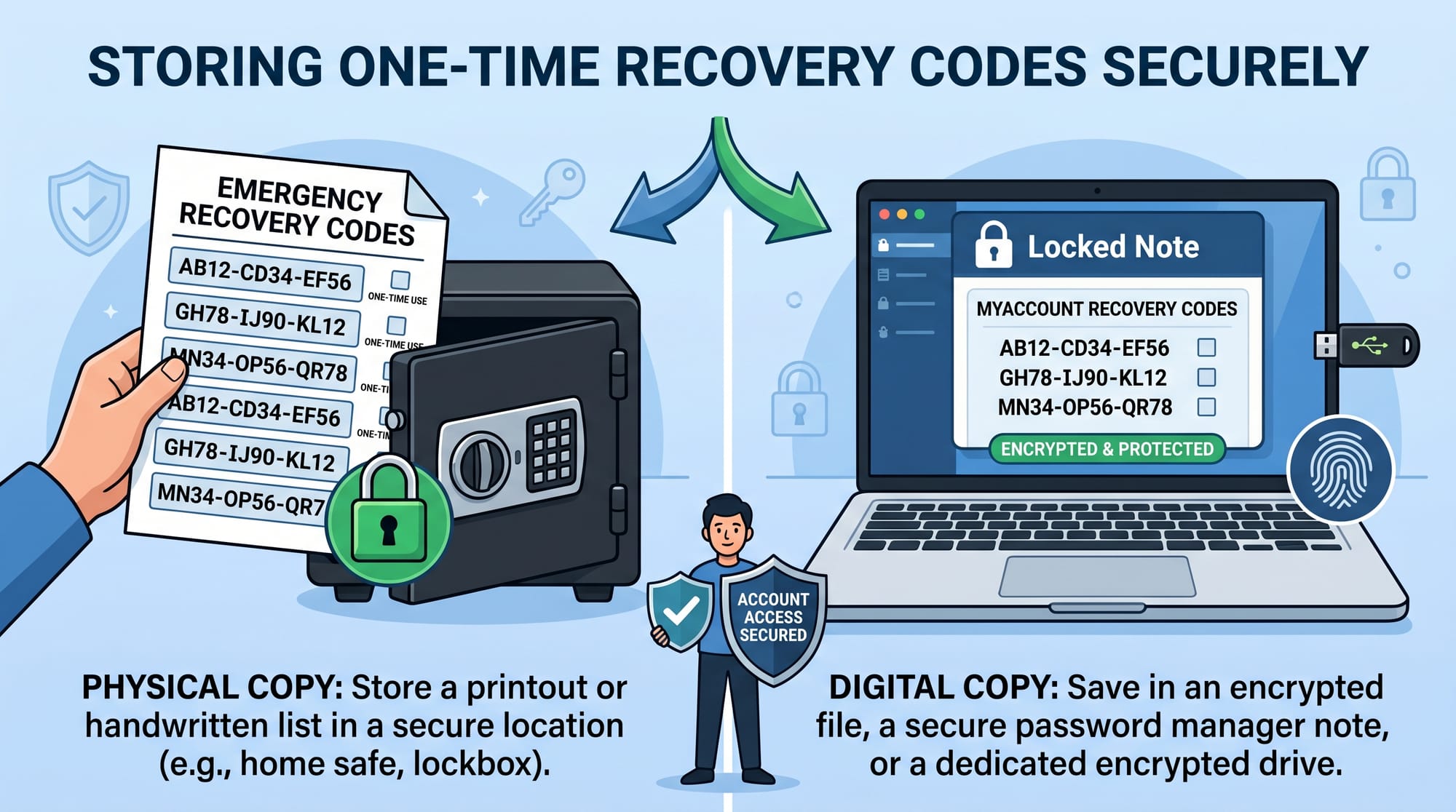
Mistake 2: Storing Secrets Insecurely
Never store TOTP secrets in plain text files or frontend code.
Bad practice:
const secret = "ABC123"; // insecure
Correct approach:
- Store in encrypted database (MongoDB + encryption)
- Never expose secret to frontend after setup
Practice Exercises
Exercise 1: Build a TOTP Login System
Task:
Create a system where:
- User registers and receives QR code
- User scans QR using Google Authenticator
- System verifies 6-digit code
Solution hint:
Use:
speakeasy.generateSecret()speakeasy.totp.verify()
Exercise 2: WebAuthn Passwordless Login
Task:
Build a login system where:
- User registers fingerprint using browser
- User logs in without password
- Authentication is done via WebAuthn API
Solution hint:
- Use
@simplewebauthn/server - Store credential ID in database
Frequently Asked Questions
What is Multi-Factor Authentication (MFA)?
MFA is a security system that requires two or more verification methods before granting access. It improves protection against password theft and hacking attempts.
What is TOTP in authentication?
TOTP is a time-based one-time password system that generates 6-digit codes every 30 seconds using a shared secret key and current time.
How secure is WebAuthn compared to passwords?
WebAuthn is significantly more secure because it uses public-key cryptography and is resistant to phishing attacks and credential theft.
Can I use MFA in my student projects?
Yes, MFA is highly recommended for final-year projects, especially in authentication systems, LMS platforms, and e-commerce applications.
Do Pakistani companies use MFA systems?
Yes, many banks, fintech apps, and SaaS companies in Pakistan now use MFA (especially OTP-based systems) to secure customer accounts.
Summary & Key Takeaways
- MFA adds extra security beyond passwords
- TOTP generates time-based 6-digit authentication codes
- WebAuthn enables passwordless biometric authentication
- Node.js makes MFA implementation easy using libraries like speakeasy
- Proper secret storage and time synchronization are critical
- MFA is widely used in modern Pakistani fintech and web apps
Next Steps & Related Tutorials
To strengthen your authentication skills, explore:
- Learn how JWT works in modern systems: API Authentication with JWT
- Upgrade security using passwordless login: Passkeys Tutorial
- Build scalable backend systems: Building Secure REST APIs
- Understand identity systems: OAuth 2.0 and Social Login
If you're serious about backend development, mastering multi factor authentication (MFA) with TOTP implementation and WebAuthn will make your projects production-ready and industry-level.
Test Your Python Knowledge!
Finished reading? Take a quick quiz to see how much you've learned from this tutorial.