Rust Programming Tutorial for Beginners 2026
Introduction
Rust is one of the fastest-growing programming languages in the world. In this rust tutorial, you will learn the fundamentals of Rust programming step-by-step, designed specifically for beginners in Pakistan.
Rust is a modern systems programming language created by Mozilla that focuses on memory safety, performance, and reliability. It is widely used for building operating systems, game engines, web servers, embedded systems, and high-performance applications.
Unlike traditional languages like C or C++, Rust prevents many common programming errors such as null pointer crashes, memory leaks, and data races. This makes Rust extremely attractive for building secure and reliable software.
For Pakistani students studying computer science in universities such as FAST, NUST, UET Lahore, or Iqra University, learning Rust can open doors to international tech jobs and open-source contributions.
Reasons why you should learn rust programming in 2026:
- Rust is consistently ranked #1 most loved programming language in developer surveys.
- Companies like Microsoft, Amazon, Google, and Cloudflare use Rust.
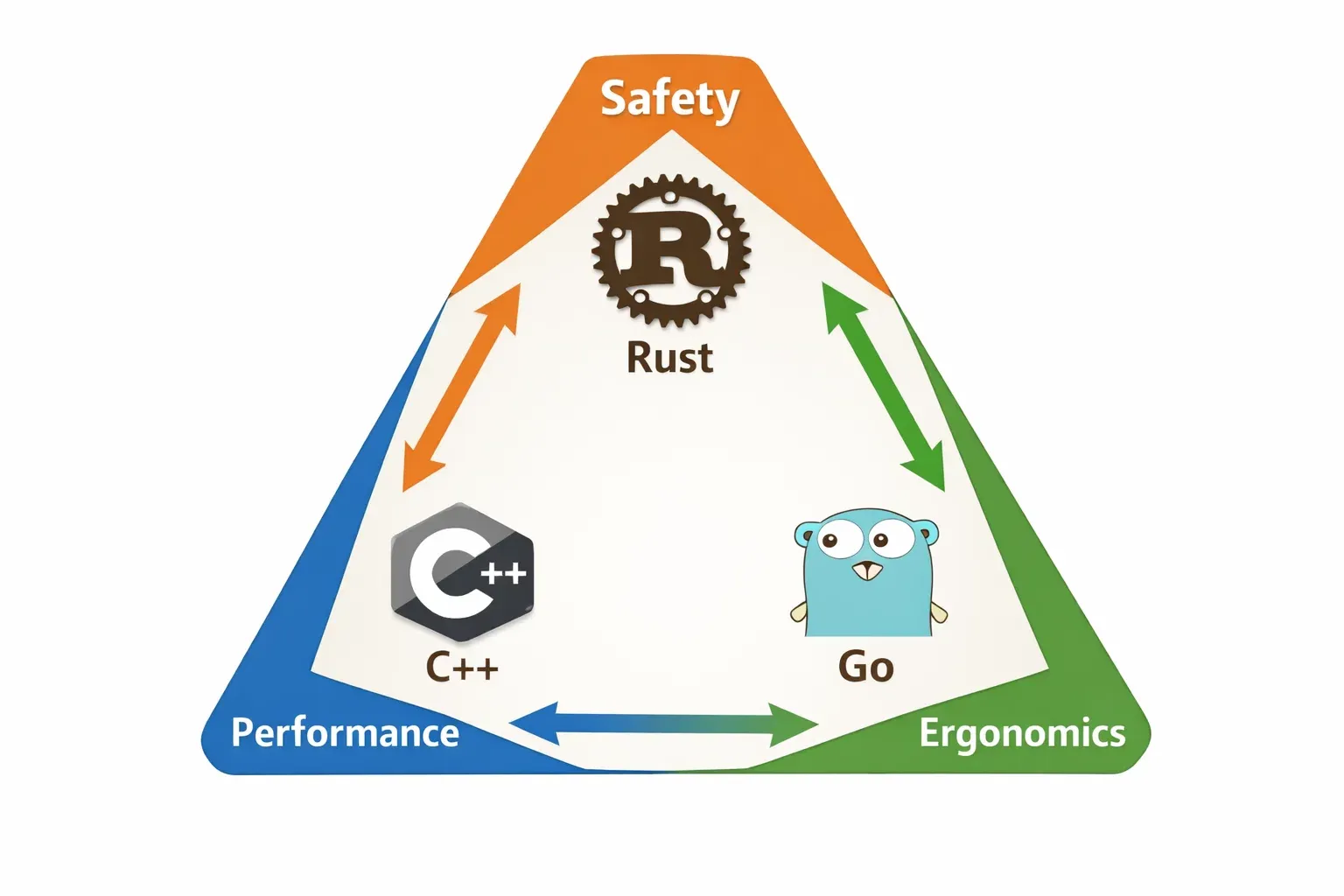
- Rust combines C++ performance with modern safety features.
- Rust developers are highly paid in the global job market.
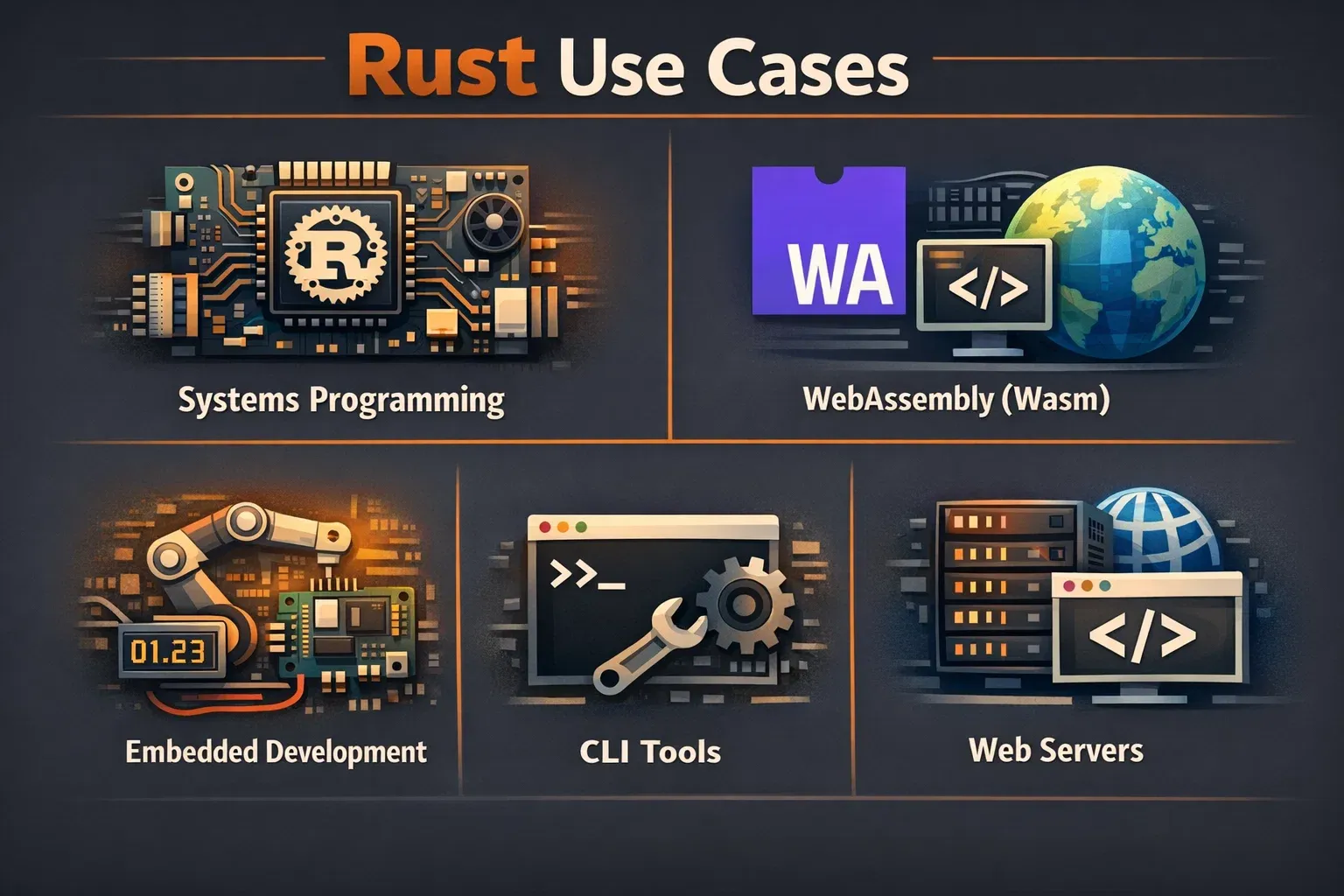
- It is great for building CLI tools, WebAssembly apps, and backend systems.
In this rust for beginners guide, you will learn:
- Rust syntax and program structure
- Variables and data types
- Ownership and memory safety
- Functions and control flow
- Practical coding examples
By the end of this tutorial, you will have a strong foundation to start building real Rust applications.
Prerequisites
This rust tutorial is designed for beginners, but having a few basic skills will help you learn faster.
Before starting, you should have:
- Basic computer knowledge
- Understanding of programming concepts (variables, loops, functions)
- A computer with Windows, Linux, or macOS
- A code editor like VS Code
- Rust installed using
rustup
Installing Rust
To install Rust, open the terminal or command prompt and run:
curl --proto '=https' --tlsv1.2 https://sh.rustup.rs -sSf | sh
After installation, verify it using:
rustc --version
Example output:
rustc 1.75.0
This confirms Rust is successfully installed.
Core Concepts & Explanation
Understanding the core concepts of Rust will make programming much easier.
Variables and Mutability in Rust
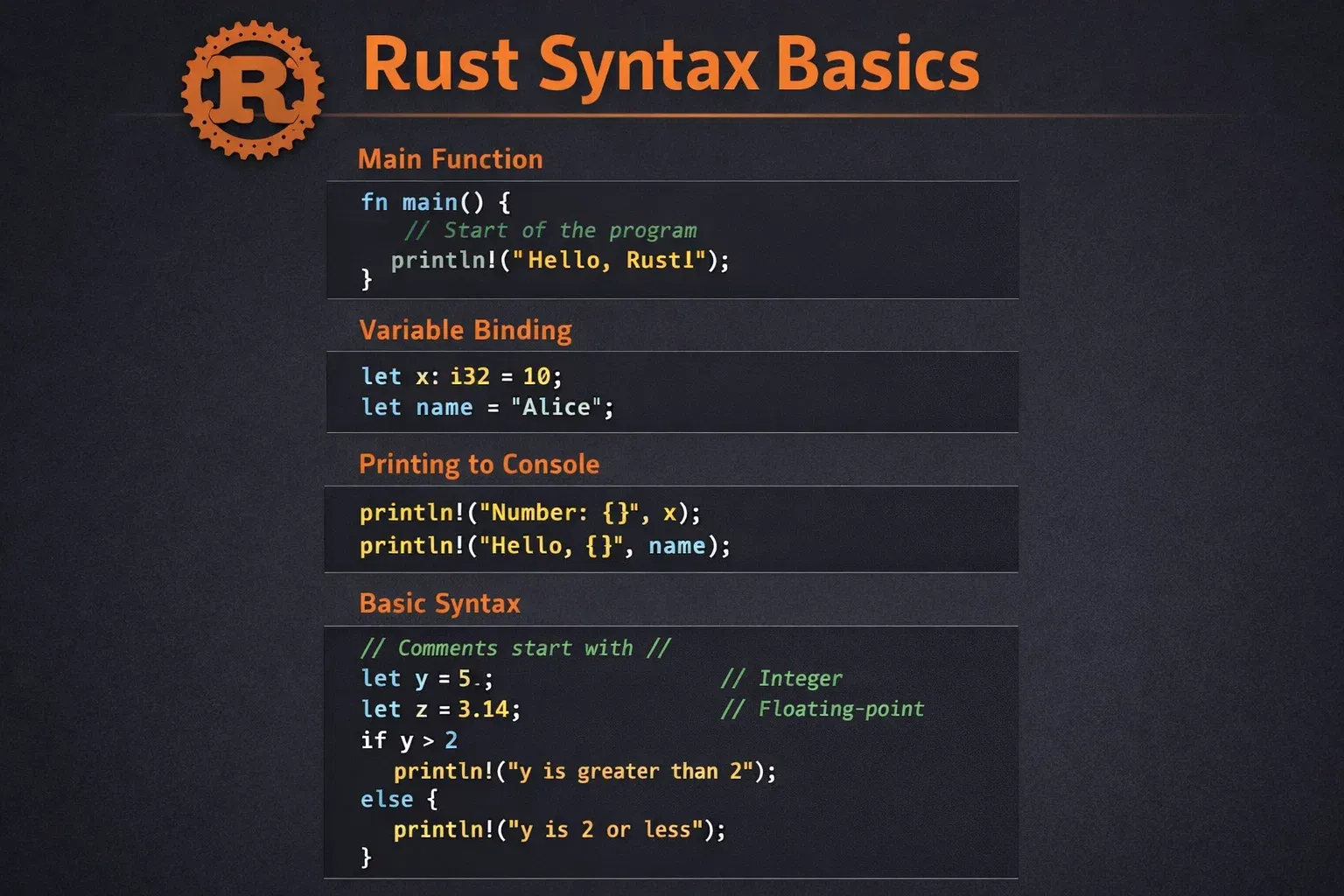
In Rust, variables are immutable by default, meaning their value cannot change after assignment.
Example:
fn main() {
    let x = 10;
    println!("Value of x is {}", x);
}
Line-by-line explanation:
Line 1
fn main()
Defines the main function where the program starts execution.
Line 2
let x = 10;
Creates a variable x with value 10. By default it cannot be changed.
Line 3
println!("Value of x is {}", x);
Prints text to the console using the println! macro.
If you want the variable to change, use mut.
fn main() {
    let mut score = 50;
    score = 60;
    println!("Score is {}", score);
}
Explanation:
Line 2
let mut score = 50;
mut makes the variable mutable.
Line 3
score = 60;
Updates the variable value.
Ownership and Memory Safety
One of Rust’s most powerful features is ownership.
Ownership ensures that memory is managed safely without needing a garbage collector.
Rules of ownership:
- Each value has one owner.
- When the owner goes out of scope, the value is dropped.
- Ownership can be transferred (moved).
Example:
fn main() {
    let s1 = String::from("Hello");
    let s2 = s1;

    println!("{}", s2);
}
Line-by-line explanation:
Line 1
Defines the main function.
Line 2
let s1 = String::from("Hello");
Creates a new string stored in heap memory.
Line 3
let s2 = s1;
Ownership of the string moves from s1 to s2.
Line 5
println!("{}", s2);
Prints the string.
Trying to use s1 after the move will cause a compile-time error, preventing memory bugs.
Practical Code Examples
Learning Rust becomes easier with practical examples.
Example 1: Simple Rust Calculator
Let’s build a small calculator that adds two numbers.
fn main() {
    let num1 = 10;
    let num2 = 20;

    let result = num1 + num2;

    println!("Sum is {}", result);
}
Line-by-line explanation:
Line 1
fn main()
Entry point of the program.
Line 2
let num1 = 10;
Stores the first number.
Line 3
let num2 = 20;
Stores the second number.
Line 5
let result = num1 + num2;
Adds the two numbers.
Line 7
println!("Sum is {}", result);
Displays the result in the console.
Output:
Sum is 30
Imagine Ahmad from Lahore writing this program to build a basic CLI calculator.
Example 2: Real-World Application
Let’s create a simple program to calculate a student's total fee in PKR.
fn main() {
    let tuition_fee = 50000;
    let hostel_fee = 20000;
    let transport_fee = 10000;

    let total_fee = tuition_fee + hostel_fee + transport_fee;

    println!("Total semester fee: {} PKR", total_fee);
}
Line-by-line explanation:
Line 2
let tuition_fee = 50000;
Stores tuition fee.
Line 3
let hostel_fee = 20000;
Stores hostel fee.
Line 4
let transport_fee = 10000;
Stores transport cost.
Line 6
let total_fee = tuition_fee + hostel_fee + transport_fee;
Adds all costs.
Line 8
println!("Total semester fee: {} PKR", total_fee);
Prints the result in Pakistani Rupees.
Output:
Total semester fee: 80000 PKR
This example shows how Rust programs can handle real-life data.
Common Mistakes & How to Avoid Them
Beginners often face certain issues while learning Rust.
Mistake 1: Forgetting Mutability
Many beginners try to change a variable without declaring it mutable.
Incorrect code:
fn main() {
    let x = 5;
    x = 10;
}
Error: cannot assign twice to immutable variable.
Correct code:
fn main() {
    let mut x = 5;
    x = 10;
}
Fix explanation:
Using mut allows the variable value to change.
Mistake 2: Ignoring Ownership Rules
Using a value after ownership transfer causes an error.
Incorrect code:
fn main() {
    let s1 = String::from("Rust");
    let s2 = s1;

    println!("{}", s1);
}
This causes a compilation error.
Correct code:
fn main() {
    let s1 = String::from("Rust");
    let s2 = s1.clone();

    println!("{}", s1);
}
Fix explanation:
clone() creates a copy instead of moving ownership.
Practice Exercises
Exercise 1: Student Marks Program
Problem
Write a Rust program that stores marks of three subjects and calculates the average.
Example values:
- Math = 80
- Physics = 75
- Computer = 90
Solution
fn main() {
    let math = 80;
    let physics = 75;
    let computer = 90;

    let average = (math + physics + computer) / 3;

    println!("Average marks: {}", average);
}
Explanation:
Line 2-4
Stores subject marks.
Line 6
Calculates average.
Line 8
Displays the result.
Exercise 2: Simple Salary Calculator
Problem
Ali works in Karachi and wants to calculate his total monthly salary including a bonus.
Salary = 60000 PKR
Bonus = 10000 PKR
Solution
fn main() {
    let salary = 60000;
    let bonus = 10000;

    let total_salary = salary + bonus;

    println!("Total salary: {} PKR", total_salary);
}
Explanation:
Line 2
Stores salary.
Line 3
Stores bonus.
Line 5
Adds both values.
Line 7
Prints the final salary.
Frequently Asked Questions
What is Rust programming language?
Rust is a modern systems programming language focused on performance, memory safety, and concurrency. It prevents common programming errors at compile time.
Why should beginners learn Rust?
Rust teaches safe programming practices and is highly valued in the global tech industry. Learning Rust can help Pakistani developers access international job opportunities.
Is Rust harder than C++?
Rust has a learning curve because of ownership and borrowing concepts. However, once understood, Rust helps developers write safer and more reliable code than C++.
Can Rust be used for web development?
Yes. Rust can build web applications using frameworks like Actix and Rocket, and it can also compile to WebAssembly for high-performance browser applications.
How long does it take to learn Rust?
Most beginners can understand the basics of Rust in 3–4 weeks with consistent practice. Mastering advanced features may take several months.
Summary & Key Takeaways
- Rust is a modern systems programming language focused on safety and performance.
- Variables are immutable by default, but can be made mutable using
mut. - Rust’s ownership system prevents memory bugs and crashes.
- Rust programs are compiled and extremely fast.
- Rust is used for CLI tools, web servers, operating systems, and WebAssembly apps.
- Learning Rust can open international career opportunities for Pakistani developers.
Next Steps & Related Tutorials
Now that you understand the basics of rust for beginners, you can continue learning more programming concepts on theiqra.edu.pk.
Recommended tutorials:
- Learn object-oriented programming in our C++ tutorial for beginners
- Build fast backend services with our Go programming tutorial
- Understand memory management in the C programming tutorial
- Explore modern backend development with PHP web development guide
These tutorials will help you expand your programming knowledge and become a well-rounded software developer.
Test Your Python Knowledge!
Finished reading? Take a quick quiz to see how much you've learned from this tutorial.